

Building with Coderick AI is really amazing. You describe what you want, and Coderick AI builds it for you. That works beautifully when you’re starting from an idea. But sometimes you’re not. Sometimes you already have something done elsewhere that you wish to reference or use.
Maybe you prototyped a layout with Claude Design and you want it as your homepage. Maybe a Claude artifact got you close on a component and you just need it inside a live, hosted project. Maybe you found an HTML template that’s almost right, and you’d rather hand the file over and request a few changes, than describe it from scratch in three paragraphs.
That’s what file uploads in Coderick AI are for.
Build on top, not from scratch
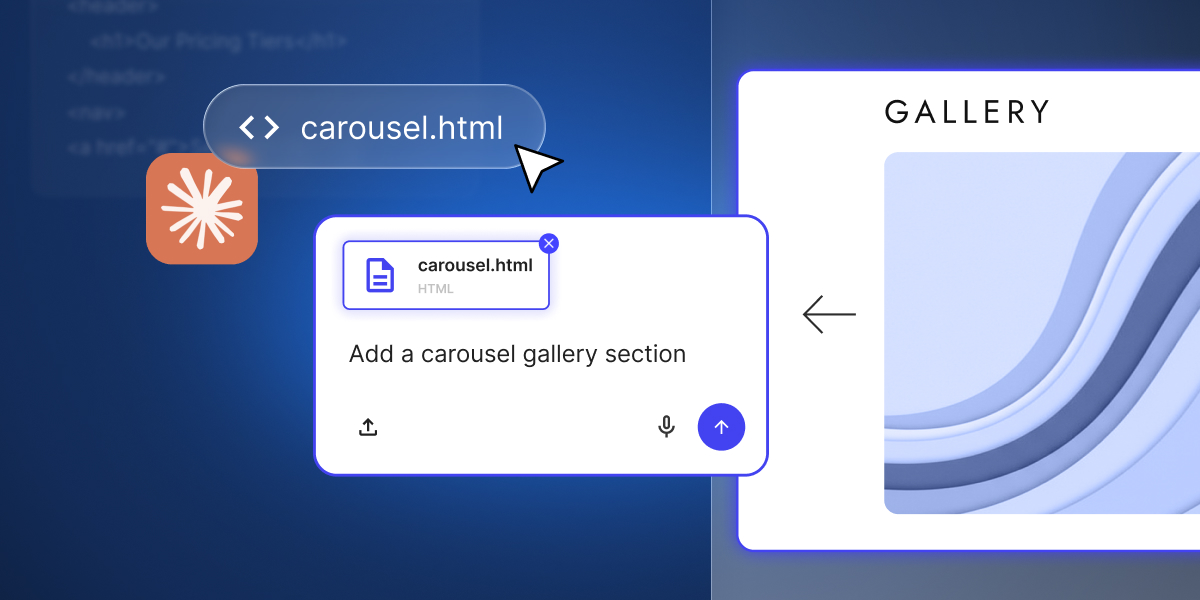
Use the file upload functionality as a starting point and prompt Coderick to work with it. Add new sections to a homepage layout you’ve uploaded. Turn a single page into a multi-page site. Wire up functionality around a static design.
Coderick builds on top, adds new elements, improves your draft, and finalizes the project, instead of starting from scratch. You save time, credits, and enhance the value of the work already done.
Keep your own styles
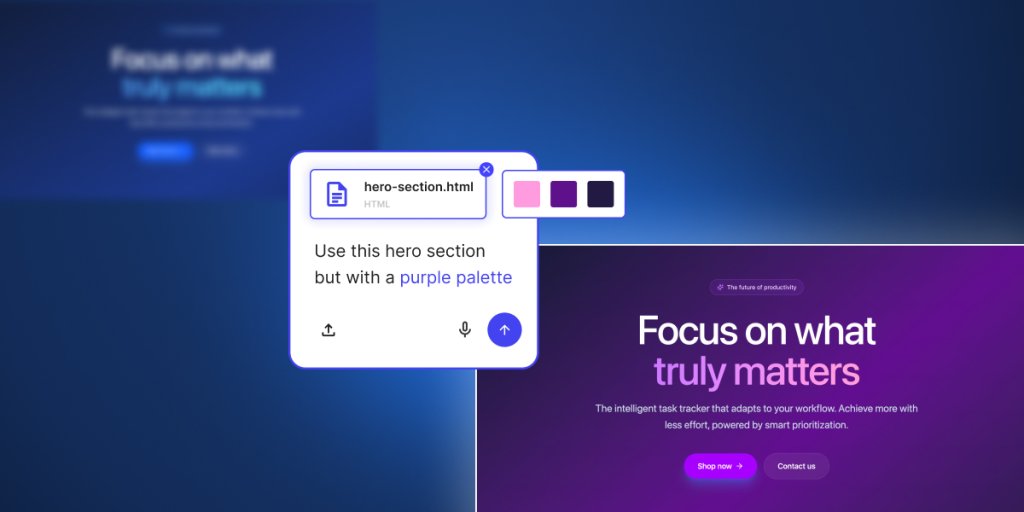
You can tell Coderick to apply a file directly. Your uploaded HTML becomes the basis for your homepage. The styles you uploaded get used across the project. Coderick reads the source and rebuilds it inside your project – your structure, your styles, your specific elements.
Before, you needed to describe any existing work you’ve done with words – the spacing, the columns, the hover effects, any visual element you care for. And anyone who’s tried to describe design specifics to AI knows how that usually goes: you get something that’s 80% of what you wanted, and the last 20% is a long fine-tuning through follow-up prompts.
Push your work live faster
Uploading your files to Coderick AI turns your work in progress into a live project faster. You save the time you’d spend re-prompting what you’ve already built, and put it into turning the design into a real, live site or web app.
What file types Coderick AI supports
Coderick AI accepts the text-based file types you’re most likely to already have:
| File type | What you’d typically use it for |
|---|---|
| .html | Page structure, landing pages, exported templates |
| .css, .scss | Styling, layout, design systems |
| .js, .jsx | JavaScript behavior, interactive elements, React components |
| .ts, .tsx | TypeScript logic, typed frontend files, React + TypeScript components |
| .md | Documentation, specs, content briefs, project notes |
You can upload up to 30 files at once, with a combined size of 500kB. Image uploads stay separate and support up to 10 images.
Getting the most out of file uploads
File uploads give Coderick more to work with, but how you use them shapes the result.
You still need to be specific: “Apply this design as the homepage” beats “use this file” every time – Coderick reads what you upload, but it still needs you to say where the file goes and what role it plays.
Upload all relevant files together: If your design is split across an HTML file and a CSS file, upload them together so Coderick gets the full picture.
Clean your files from unnecessary elements: A quick check on your source files before uploading is worth the time: unused styles, leftover comments, and wrapper code from other tools can all get mistaken for intent. Cleaner files in, cleaner work out.
One thing worth knowing – file uploads aren’t a way to import a full project (yet). They’re for the specific files you want Coderick to focus on: a page, a component, a stylesheet. Pick the parts that matter, and let Coderick start there.
Go to Coderick AI and drop in what you already have – a Claude export, a template, or a component you’ve been refining. Build from there.