How We Updated 700K+ Sites to WordPress 5 and What We Learned in the Process

Over the last week, we gradually rolled out WordPress 5 through our auto-update system. We took a different approach for this update as this version introduced one of the biggest changes in WordPress so far: the new block-based editor also known as Gutenberg.

Updating hundreds of thousands of active WordPress installations, especially when such an anticipated and, at the same time, feared change is happening, can be a serious challenge. Today, we’re happy to report that less than two weeks after its release, most of our WordPress clients are already using the latest WordPress 5 version. The process has been quite smooth and we wanted to share our insights and encourage more people to make the move to a great block-based editing experience.
Continue reading “How We Updated 700K+ Sites to WordPress 5 and What We Learned in the Process”

Your Most Common Gutenberg Questions Answered

Your Most Common Gutenberg Questions Answered

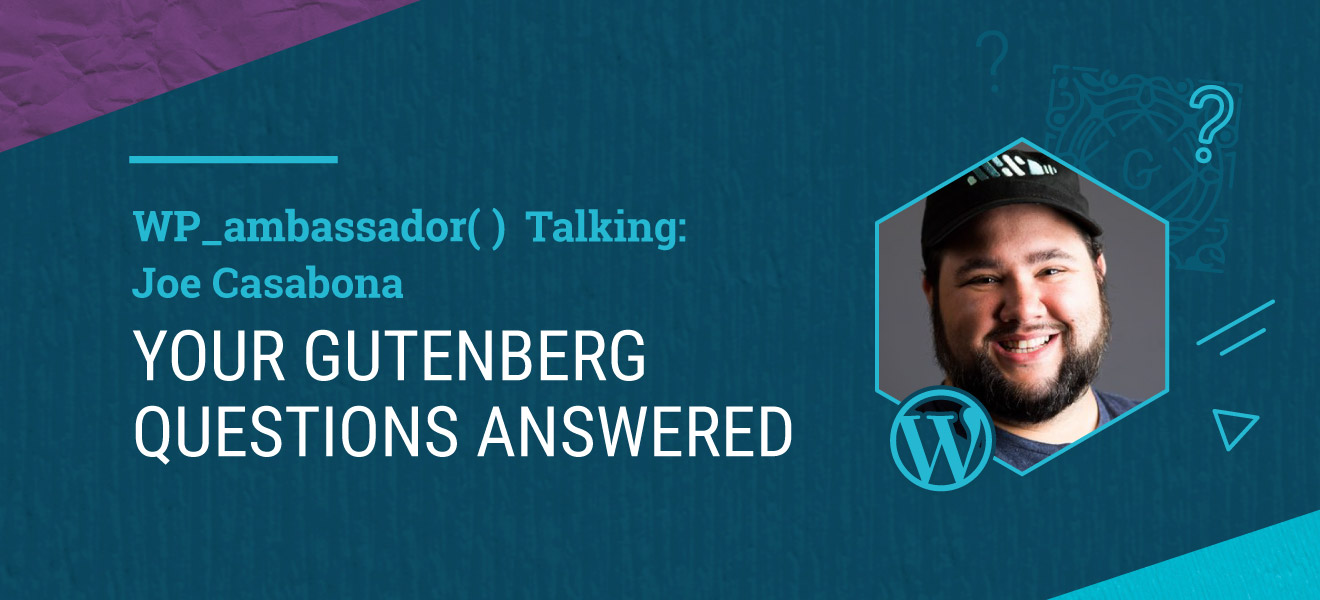
A few months ago we introduced our WordPress Community Ambassadors. We announced that we would support these very deserving individuals to travel and speak at WordCamps, so they can continue to share their expertise and lift up other WordPress users. Now, we want them to have their place on our blog with the same purpose in mind – educate and help our readers understand better the ins-and-outs of WordPress.

The first post that we will share with you is by Joe Casabona on Gutenberg – the hottest topic in the community for the past 10-12 months. Joe is a fantastic trainer, whose talent is to make complex things easy to understand for anyone. In the past year he has worked tirelessly to produce training material for Gutenberg, the new block editor included with WordPress 5.0. This is his first article for the SiteGround blog, enjoy!

WordPress 5.0 was recently released. The most notable new feature in 5.0 is the new editor, based on blocks and also known as Gutenberg. While it’s sure to really improve the content-creation experience, there are a lot of questions surrounding the update and what it means for current websites. Here are the answers to some of the most common inquiries both the SiteGround team and I have received from WordPress users so far.

Continue reading “Your Most Common Gutenberg Questions Answered”

Our Roll-Out Plan for WordPress 5.0

WordPress 5.0 Update Plan

The most anticipated version of WordPress, version 5.0, is now officially released. It will substantially change the way people edit their website content by introducing the new block editor (also known as Gutenberg). To make the transition to the new editor as smooth as possible, we have temporarily stopped the automatic WordPress updates. After its restart, we will automatically install the Classic Editor plugin along with the new WordPress core update. This will give you the opportunity to take full advantage of all the great options in the new block editor while being able to easily switch to the old way of editing your posts if you need to.

Continue reading “Our Roll-Out Plan for WordPress 5.0”

The New Version of Our SiteGround Optimizer Plugin Is a Game Changer for Your WordPress Performance

SiteGround Optimizer 5.0

Early versions of our SiteGround Optimizer plugin had one single purpose: to connect WordPress with the reverse proxy caching system set up on our servers. Over the years, we have added multiple features like PHP and HTTPS management options that allow even more control over SiteGround’s server environment right from the WordPress backend.

With the new release, not only have we greatly enhanced the existing functionalities, but we’ve also included some of the most popular application-based performance optimizations. Now, our plugin is an all-inclusive performance solution for WordPress sites hosted on our platform.

Our SiteGround Optimizer has always been an invaluable tool in boosting site performance and now we’ve pushed its capabilities even further. Internal speed tests of the new version show an additional 20-30% performance improvement even for well-optimized sites. And when you use the plugin on a site that runs on an old PHP version and/or has poorly-optimized content, the benefit can easily go up to 500%!

Continue reading “The New Version of Our SiteGround Optimizer Plugin Is a Game Changer for Your WordPress Performance”

Starting WordPress Sites on SiteGround Just Got Easier

You can build just about anything using WordPress. With thousands of themes and plugins, anyone can access the features and functionalities they need to achieve their goals. But for a person just starting out, all the options can be overwhelming. Rather than be a source of inspiration, the choices can become a blocker to launching that brand new site.

To solve this problem, we’ve developed a WordPress Starter plugin that takes the confusion out of building a new WordPress site. Our plugin walks you through a curated number of themes and the most common site features so you can choose exactly what you need and launch your website more quickly.

Continue reading “Starting WordPress Sites on SiteGround Just Got Easier”

Get Ready for Gutenberg, the New WordPress Editor

Some noteworthy changes are coming for all WordPress users, including our customers. In the next months, WordPress will release a new publishing experience that will change the way you create posts and pages. Gutenberg is the code name for this new editor and with it, website owners can expect a new set of tools for content creation.

To help you prepare, we’ve outlined some of the changes to expect with Gutenberg and how you can test it before the official release. Our goal is to make this change as smooth as possible for all SiteGround customers.

Continue reading “Get Ready for Gutenberg, the New WordPress Editor”

A New, Easier Way to Move WordPress Sites to SiteGround

WordPress Migrator Plugin

Many site owners settle for less-than-ideal server performance and security just to avoid the hassle of migrating their website. Luckily at SiteGround, we’ve made it easier than ever to transfer your WordPress website to us. How did we do it? With a WordPress plugin! By installing our new SiteGround Migrator plugin on your WordPress site, you can move your installation to us with a few clicks.

Continue reading “A New, Easier Way to Move WordPress Sites to SiteGround”

Why We Attend WordCamps (and You Should Too)

SiteGround employees at Contributor Day

All year long, SiteGround supports WordCamps around the world by sponsoring, attending, or speaking at events. Our teammates are also active members of the WordPress community. They contribute to establishing hosting standards, translating WordPress, and even organizing meetups and WordCamps in Torino, Plovdiv, Sofia, Gran Canaria, and Montreal.

Earlier this month, more than 20 members of the SiteGround team went to Belgrade, Serbia for the sixth edition of WordCamp Europe. For three days, attendees from every continent gathered to listen to talks about WordPress, attend workshops, and contribute to the open-source WordPress software.

We’ve chosen a few highlights from our trip that explain why we attend WordCamps and contribute to WordPress – and why you should too.

Continue reading “Why We Attend WordCamps (and You Should Too)”

Our WordPress Autoupdate Just Got Better

If you have a WordPress website and you’re a SiteGround customer, you’re most likely taking advantage of the SiteGround WordPress auto-update service. Having your WordPress installation up-to-date is crucial for a stable and secure website. To make auto-updates hassle-free, we have developed our own WordPress Autoupdate Tool, which is included in all SiteGround hosting plans.

Continue reading “Our WordPress Autoupdate Just Got Better”