Securing User Passwords with “Have I Been Pwned”

securing passwords

Most developers are familiar with the website “Have I Been Pwned?“. Most non-developer and non-techie people have probably never heard of it. That’s ok, that’s what this blog post is for – to not only tell you about it, but to show you how to use it to keep your WordPress site safer.

First, the term “Pwned” originated in a game. It was a typo because the letters “P” and “O” are so close to the keyboard. Like many good mistakes in gaming, it was appropriated and now is common slang in technical and gaming circles for “Owned.” Depending on the context, it can mean that someone really beat you bad in a game, or that someone has compromised your server and now has access to it. Either way, you’ve been pwned. Pwned is never a good thing. 🙂

What’s “Have I Been Pwned?”

The website “Have I Been Pwned?” is more tech than a game. It was set up by Troy Hunt because, after every major data breach, he would do a post breech analysis of the data released over and over again, and see the same credentials and passwords being used. When a data breach occurs, the attackers will sell or release any user credentials they obtain.

Most users have the bad habit of reusing logins and passwords, so the credentials that work on one site may also work on another site. Thus if a user’s data is released from one site, it can be potentially disastrous for a user because the attackers can try their login and password on a multitude of other sites and gain access to more and more sites and data.

How to Use It?

So Troy gathered any data he could get from a data breach and put it all in one big database. Then he built a website where you can enter your email address and see if it was included in any of the breeches he has access to. Just for fun, go ahead, click the link and check your email address. You’ll probably be surprised, and not in a good way, pwned is never a good thing. 

These days the website also provides an API that other websites can use. The main function of this website is to prevent a user from reusing a password that has already been compromised. WordPress has several plugins that hook into the registration process and check the password a user is trying to use against haveibeenpwned.com’s API. The API takes a prefix of a “hash” of the password. The password itself is never sent across the wire. It returns all the hashes that start with that prefix.

The plugin then looks for its exact hash. If it finds it, it will give the number of times that password has been released, regardless of the site that was breached or the user name. The plugin then makes a decision on whether or not to let the user use that password.

This, by itself, will not make your site safe. As I discuss in “Is My Website Safe”, there is only one way to secure a computer from the Internet – turn it off. However, adding this layer to your security stack is one more way to make it more secure. Add enough layers of security, and your site is not an easy target, so attackers move on to another one.

[subscribe_cta]

Website Challenges 2020: Have You Addressed Them Yet?

In our annual survey, we asked our clients what the biggest website challenges they foresaw encountering in 2020 were, wondering what we could do to help you overcome them. Now that the year is almost halfway through, it’s time to revisit what we’ve done so far to address those challenges and share some insights on how we help you tackle them, as well as tip you what to do about them on your own.  

Cybersecurity is The Biggest Challenge

The majority of our respondents (54%) saw keeping their sites secure as the biggest technical challenge in 2020. And we totally agree with you! Cybersecurity is an ongoing process that should be at the top of the mind of any Internet user, professional or otherwise. 

From the perspective of a web hosting company, here at SiteGround, we know that keeping our sites and users safe is a never-ending task. Hackers and all sorts of web criminals are getting smarter by the day and the constant and rapid evolution of technology leaves many doors open for software exploits. Keeping the software on our servers (like Apache, Nginx, PHP, MySQL, etc.) up to date is the first and most basic line of defense, but nearly not enough.

That is why we have a special team of security specialists whose main responsibility is to keep track of security reports and monitor for potential and unannounced yet exploits. Once they get a confirmation for a new vulnerability, they rapidly act to write custom firewall rules that patch it on day zero and protect the websites we host.

Then there’s keeping up with the latest technologies we can integrate. Take the encryption protocols that guarantee a secure connection between your browser and the server delivering the content. We make sure we always have the most recent one available for our clients to use – we were among the first to deploy HTTP/2, QUIC and HTTP/3, and more.  

At the same time, one of the most frequent threats against any website are the DDOS attacks, which are getting more fierce and prolonged as server resources are getting cheaper over time. That is why our system administrators monitor our servers’ health 24/7 and take immediate actions to divert the bad traffic through software and hardware devices. 

Then, there are brute-force attacks, one of the most common ways to hack a website by guessing their login details. We extend our server-level protection with an in-house AI-powered anti-bot software that monitors for malicious traffic and blocks from 500,000 to 2 million brute-force attempts per day. 

All the security work we do as your host should give you peace of mind, but it would work even better if you follow a few security guidelines yourself: 

  • Use complex passwords and do not share them with anyone. It’s recommended to use a preferably meaningless combination of letters and numbers about 8 symbols long to make sure that guessing or brute-forcing your password is extremely hard.
  • Install an SSL certificate. In case of a security breach, the encryption of the connection will keep your data safe (we offer the Let’s Encrypt certificate for free ).
  • Use two-factor authentication to log into your apps and more specifically your SiteGround Client Area. This will make it quite hard for anyone to log in even if they know your username and password. Read here how you can enable the two-factor authentication
  • Make sure you run on the latest stable version of PHP and WordPress or any other CMS you may be using for your site. Many clients postpone PHP updates, and even the more simple WordPress updates, out of fear that they may break their site and they will need to pay a developer to fix it. But believe us, when we say this – it’s a lot more expensive to fix a hacked website than the few broken queries potentially resulting from a version update. Additionally, we offer Managed WordPress auto-updates and a Managed PHP service, enabled by default for all new accounts, and which means that we will automatically upgrade your PHP and WordPress, so you don’t have to. 
  • We recommend installing a malware scanner as well, directly on your site so you can get an alert in case of a breach and act quickly. You can use a plugin, if it’s a WordPress installation, or use an external feature, like the popular anti-malware scanner we offer.

To find more on the best practices on WordPress Security, we highly recommend to check out our ebook 21 Tips to Keep Your WordPress Secure.

Improving Website Speed is The Second Biggest Challenge

Improving website speed is the second biggest challenge for webmasters, coming at 48% of all respondents mentioning it. There are a lot of things that could be done to improve website performance and just like security, it’s a never-ending task. As a website host, we’ve done a lot of things to boost the speed of websites on our servers, but we’ll focus on some of the more recent ones. 

We have been working on a complete WordPress performance solution built in our SiteGround Optimizer plugin. The plugin makes a connection with the host server to allow sites to take advantage of the caching capacity and also integrates a wide array of front-end performance features, which you can read more about here. 

An even bigger step for our performance-boost this year was the migration to Google Cloud infrastructure, which allows us to use their extremely fast network, high redundancy, and powerful N2 CPUs which offer nearly 40% faster performance

Additionally, with the launch of our new Site Tools, we replaced the Static Cache with a new NGINX Direct Delivery. We no longer serve images, CSS, JS files, and other static content from the server memory, but we use NGINX for direct loading of these files from the SSD instead. This improves browser caching for your site and also makes CDN usage easier and more efficient. Most importantly, NGINX Direct Delivery allows more RAM space to be used for dynamic content caching, without compromising on static content loading speed. Read more here.

Since website speed is such a critical factor, there are some additional things you can do yourself in order to improve performance:

  • Use the SiteGround Optimizer plugin and turn the dynamic caching ON. By default all our sites on all plans have the standard cache (Nginx direct delivery) turned on and it helps tremendously to the majority of the sites. But more dynamic sites also need dynamic caching and even Memcached turned on as well.
  • Turn the SiteGround Optimizer front-end performance features – image compression, using WebP format and lazy loading, minifying CSS and javascript, these may have smaller impact individually, but when added up together, the effect on the page loading speed is spectacular.
  • Use a CDN (Content Delivery Network). CDNs speed up sites immensely by caching up and delivering static content from the closest to the user location, saving precious fractions of time. Keep in mind that a CDN also blocks malicious traffic and even reduces SPAM, so there are other advantages in using one.

If you want to read additional tips on how to speed up your WordPress site, make sure to check the free ebook 21 Expert Tips for an Ultra-Fast WordPress Website eBook

Handling Site Growth is Also In the Top 3 Challenges

About 32% of all our users said that handling the growth of their website was a challenge they expected to experience in 2020. There are two types of traffic that we should consider – expected and unexpected. In the era of Internet virality, you never know when your site will become popular on Reddit or other media and get bombarded with traffic. At the same time, you can reasonably well predict the Black Friday growth and other seasonalities. So here’s how we approach the site growth issue:

Monitor your site’s normal growth

The more your business grows, the more traffic you will get, the more orders will be processed and hence the busier your website will be. There are two indications that your site is growing and you need to evaluate its performance: slow loading of pages and errors on the website (site becomes unavailable occasionally). 

  1. The first thing you should do is try to optimize your site – have a developer review your code, plugins, database queries, and structure and suggest improvements. Starting with simple things like removing old and unused plugins, reducing the number of plugins, activating cache, and going into more complex ones like re-writing some of the code, there are a lot of things that can help at this stage, which are also good for the long-term health of your site.
  2. Once you are sure you have optimized everything you could and you still experience issues, consider upgrading your hosting platform. If you started on shared hosting, maybe it’s time to move to a cloud and configure precisely the RAM, CPU, and space that you need.

Be Prepared For the Unexpected

This is trickier as obviously there isn’t much that you can do for things that you don’t expect, but there are 3 things that can help:

  1. Turn caching on – again, caching is awesome not only because it speeds up your site, but also because it saves server resources, especially RAM, by using the NGINX to load files from the SSD directly. Saving resources means that you will be able to process more visitors at the same time.
  2. Activate CDN – acts the same way as caching, because the CDN caches your content and stores it on many servers worldwide, then delivers it from the closest server to your visitor. Thus it does not use server resources to deliver the information and again your site is capable of processing a lot more visits simultaneously.
  3. Activate autoscaling on cloud – the option automatically and instantly increases your cloud’s CPU and/or RAM resources in times of need, preventing downtimes in crucial moments, such as Black Friday or Christmas shopping.

We hope that we have both given you a report on what we, as your website host, do to help you with your top 3 website challenges this year, as well as ideas on what more you can do yourself to tackle them.

[subscribe_cta]

Google Starts Serious Security Talks With the CMS Community

Last week, Chicago was the coldest place on earth! This was all over the news. The temperatures dropped to -30 degrees Celsius (-22 Fahrenheit) with a  wind chill of -50. I consider myself lucky to have been there to witness this rare polar vortex. However, I was in Chicago for a different event, one that didn’t make the news but was just as exciting — the Google CMS Security Summit.

Close to thirty top security experts from Google, different CMS platforms, and hosting companies came together to discuss how to make the internet a safer place for everyone. I consider myself even luckier to have been a part of this discussion as a representative of SiteGround.

For two days, we talked with the representatives of WordPress, Drupal, Joomla!, PrestaShop, TYPO3, Squarespace, Symfony, Sucuri, Wordfence, and more. It was inspiring to see how organizations that are competitors when it comes to attracting the end user to their platforms, can actually be unified for the higher aim of making the internet safer.

Continue reading “Google Starts Serious Security Talks With the CMS Community”

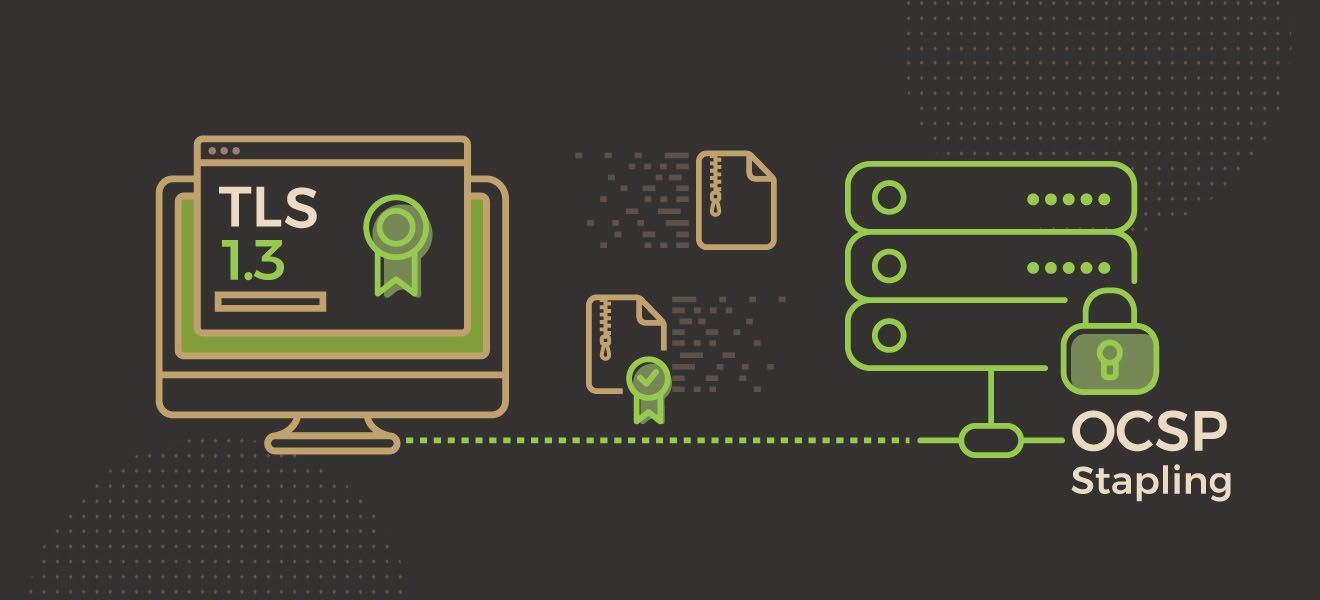
TLS 1.3 and OCSP Stapling -Two Ways to Make HTTPS Sites Faster

For the last few years, the trend of moving towards encrypted browsing through HTTPS has been one of the most important developments on the Internet. With the free SSL certificates by Let’s Encrypt and Google openly promoting HTTPS protocol over the more widespread, but unsecure HTTP one, more and more sites have started to use SSL certificates.

We, at SiteGround, are very excited to announce that two recent developments in this area – TLS 1.3 and OCSP Stapling, which will make HTTPS sites faster, are already available on all our servers. Read below to learn how people using SSL will benefit from these innovations.

Continue reading “TLS 1.3 and OCSP Stapling -Two Ways to Make HTTPS Sites Faster”

SiteGround is now GDPR Compliant

Over a year ago, SiteGround began the important task of preparing for the General Data Protection Regulation (GDPR) – a new law designed to protect the personal data and privacy of EU residents. While working on this implementation we have seen that the main principles behind the law are genuinely good for our users.

The regulation aims to make personal data processing more transparent and to give people more control over their data. Even though the GDPR only applies to EU citizens, we have decided to go beyond and adopt the same good policies for all of our users, regardless of their citizenship or location. The new rules are becoming effective on 25th of May 2018. The following two documents apply these rules to our service:

  1. Our Privacy Policy, which describes how we collect, use, share and process our customers’ personal data.
  2. Our Data Processing Agreement (DPA), which regulates our responsibilities as a host, thus allowing our clients to have GDPR compliant sites themselves, if they need to.
Continue reading “SiteGround is now GDPR Compliant”

Watch Our Free Webinar on GDPR: What Is GDPR and What Is Your Host’s Role in It?

Last week we had a webinar with SiteGround’s Senior Legal Advisor – Maya Stoyanova talking about GDPR, what it is and what you need to do about it. We share the video from the webinar here so you can watch it and find out if and how that new European regulation concerns you.

*Please excuse us for the poor quality of the image.
As promised, we are posting the replies to the questions we couldn’t answer during the webinar here.

Continue reading “Watch Our Free Webinar on GDPR: What Is GDPR and What Is Your Host’s Role in It?”

How is SiteGround Getting Ready for the GDPR?

We are receiving more and more inquiries from clients asking if SiteGround will be GDPR-compliant. With this blog post, we would like to explain what we have been doing and share our experience with becoming GDPR-compliant, both as a way to inform you what you can expect from us in the next month, before May 25, 2018, and as a way to help you prepare for the GDPR yourselves.

The use of our personal data by big companies is indisputably the hottest topic right now and we don’t think anyone doubts the importance of regulations to prevent abuse and enhance the security of that data.

The European General Data Protection Regulation – GDPR, which will take effect on May 25, 2018 is aiming to do exactly that – regulate how personal data of individuals in EU territory gets collected and used. It defines what personal data is – being literally everything – name, email, username, address, phone number, financial data, age, behavioral data and more, and obliges everyone who collects and processes such data of EU individuals, no matter where that company or person is located around the world, to act in accordance with this regulation.

SiteGround started the process of becoming GDPR-compliant about a year ago and we wholeheartedly look forward to it being enforced. We believe the GDPR is good for users and good for the overall security of the Internet and we have always been acting in line with its main principles. Now our goal is to audit and make public these internal rules, and also make sure we apply the letter and the spirit of the GDPR to all our clients, no matter if you are an EU-resident or a resident of another country.

Continue reading “How is SiteGround Getting Ready for the GDPR?”

Free Let’s Encrypt Wildcard SSL

Free Let's Encrypt Wildcard SSL

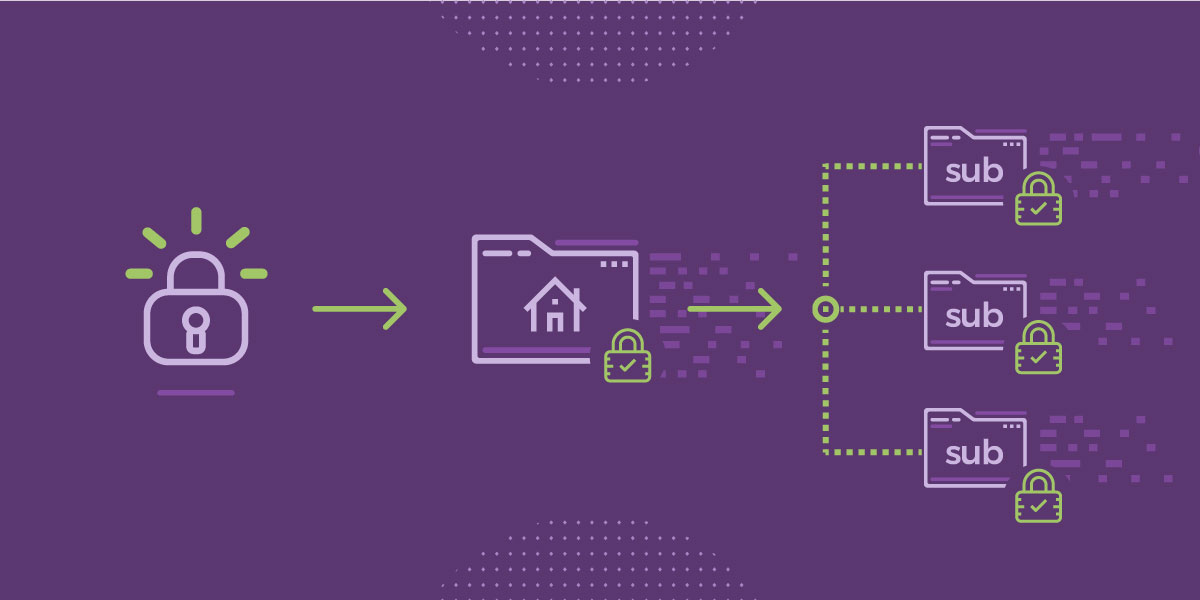
Starting today, all SiteGround customers can get a free Let’s Encrypt Wildcard SSL. This will make the setup and maintenance of websites with subdomains much easier, as they can now be encrypted with a single certificate.

All it takes is a few clicks in our updated Let’s Encrypt interface in the cPanel. Ever since we heard that Let’s Encrypt plans to launch free Wildcard SSL, we’ve been eagerly waiting for this and we are proud to be among the first hosting companies to successfully integrate the new SSL into their platform. We strongly believe that global adoption of SSL certificates makes the Internet a more secure place.

Continue reading “Free Let’s Encrypt Wildcard SSL”

IMPORTANT: YITH WooCommerce Wishlist Protection Added

Тoday, a serious vulnerability issue with one of the vastly used Yith plugins – the WooCommerce Wishlist was discovered by Sucuri. The latest plugin version – 2.2.0 patches the vulnerability but all versions prior to it are at risk. To protect our customers, who haven’t updated their plugin, our security team started working immediately and a WAF rule was just applied on our servers.

Continue reading “IMPORTANT: YITH WooCommerce Wishlist Protection Added”

NextGEN Vulnerability Patched on SiteGround Hosting

Yesterday, our partners from Sucuri discovered a serious SQL injection vulnerability in one of the most popular WordPress gallery plugins – NextGen Gallery. Our security team started working immediately on the issue and created a rule in our web application firewall (WAF) to block any potential attempts to exploit this vulnerability. However, we strongly recommend that all NextGen Gallery users update their plugin to version 2.1.79 which fixes the core of the issue in the plugin code.

[subscribe_cta]