Cloudflare HTTPS and WAF Update

UPDATE

Since the launch of our own in-house built Content Delivery Network – SiteGround CDN, we are no longer providing Cloudflare services as part of our hosting plans.

Since we launched our integration with Cloudflare in 2012 we have seen thousands of our customers benefit from its CDN and the site security functionalities. Today we are happy to announce two improvements in the Cloudflare packages we provide. First, the SSL is now supported in the free plan of the service. Second, we have included a very cool security feature – the Cloudflare Web Application Firewall, in our Plus plan.

Continue reading “Cloudflare HTTPS and WAF Update”

Are You Ready to Get Hacked?


In the security world, the following advice seems to be gold: keep templates and plugins up to date; use secure passwords and captchas; be careful whom you give access and to what; use a security-conscious web host.

While those are all great tips and we encourage them, your website is still (and always will be) hackable. We’ve seen and helped clients with numerous hacks over the years, so we wanted to share some advice that goes beyond following security best practices.

As your user base and reputation grow, getting hacked becomes more likely and it really can happen to anyone. Therefore, the best thing you can do is to have a hack recovery plan. In case of disaster, you’ll know exactly what needs to be done, and who can do it for you. You won’t panic and make hasty decisions that may turn a crisis into a catastrophe.

1. Be the First to Know

You don’t want to find out about a hack from a random visit to your own site. You don’t want to see the red screen of death, with an unwelcoming message like “Danger: malware ahead!” or “This website may harm your computer”. You don’t want to see your homepage defaced (at the time of writing, a WordPress REST API Vulnerability is at large and defacing thousands of websites).

The worst thing about finding a hack by accident is that you probably won’t know how long it’s been there. You won’t be able to put the damage into perspective.

The solution is to set up one or several proactive tools that detect hacks and notify you.

Front-end/Source Code Monitors
There are tools that monitor the front-end of your site for uptime and content changes, such as Pingdom. There are also tools that monitor the source code of your website for hacks, such as our own HackAlert service. Both can be set up to send various notifications and the options here are endless.

Google Search Console Alerts
Although you cannot count on it for an early warning, Google’s Search Console detects a plethora of hacks. Set up your site and make sure to enable email alerts in the preferences. It’s a good idea to keep an eye on Google’s security status regarding your site. Best of all, it’s free.

2. Make a Backup

You will need a backup copy of the hacked site to be used later when removing malicious code. Make a backup and save it before going into maintenance mode.

That being said, make sure your site is backed up regularly and several copies are kept at all times. A clean copy can also be of help when later recovering your site. Your web host will usually make backups for you, but there are plenty of tools and plugins to set up backups yourself.

3. Get the Access Logs

Another thing to be used in the recovery of your site is access logs. Talk to your host whether they can provide them and how far back in time. Some attacks are difficult to find and may require logs from 6 months ago. If your host cannot provide that, set up log keeping yourself. At SiteGround, and probably other hosts, access logs can be downloaded from the Statistics tool.

4. Have Maintenance Mode Ready

Going into maintenance mode as soon as possible is important. Search engines constantly check the HTTP status of your site and what content it is serving to visitors. Having your site down or serving malicious content will obviously damage your rankings.

This is why it’s a good idea to have a simple HTML maintenance page ready before you ever get hacked. You’ll be able to enable it quickly, while your site is being cleaned, minimizing damage in the eyes of both visitors and search engines.

The best way to enable maintenance mode is by using .htaccess to redirect all requests to an html page. This way, any malicious files left on your domain will become inaccessible and will forward to the said page.

5. Clean the Website and Vulnerability

To clean your website, you can either restore from a clean backup or remove the malicious code from files and databases. Whatever the method of cleaning, you will have to make sure the vulnerability is eliminated afterward.

Restoring a Clean Backup
This is the fastest, easiest and cheapest option that most people will be able to perform on their own with their backup tool. However, it comes with some disadvantages. If you are running a website that is updated frequently, you may lose some data (e.g. an online store might lose some orders). Also, you can never be sure that the backup you are restoring is completely clean.

Remove the Malicious Code From Files and Database
This is the more effective option, but it can prove extremely difficult depending on the hack. If you are not completely sure what you are doing, it’s best to use a 3rd party cleaning service. Identifying and removing attacks is well beyond this blog post.

Eliminate the Vulnerability
This is where the access logs come into play, however, once again this can become a difficult task that you should be confident with when performing it on your own. At the end of the day, you need to know the malicious code was removed from your files and database, together with the vulnerability used to access and modify those files and databases.

SiteGround customers can order a thorough malware cleanup, by going to Client Area -> Contact us -> Expert Care Service -> Malware Cleanup.

6. Return to Live

At the end of the process, you should change all passwords of all users, tools, and devices that have access to your site (control panel, FTP, SSH, etc.). Make sure the same is done by all website collaborators. Do this before you go live.

Another thing you should consider at this point is your website users and visitors. Analyze the situation and find out if any of their data was exploited during the attack. If yes, it’s a good idea to communicate it, along with a password change and any other needed actions to users.

How to secure your WordPress website? (video tutorial)

[subscribe_cta]

Linux kernel local root exploit (CVE-2016-8655) fixed

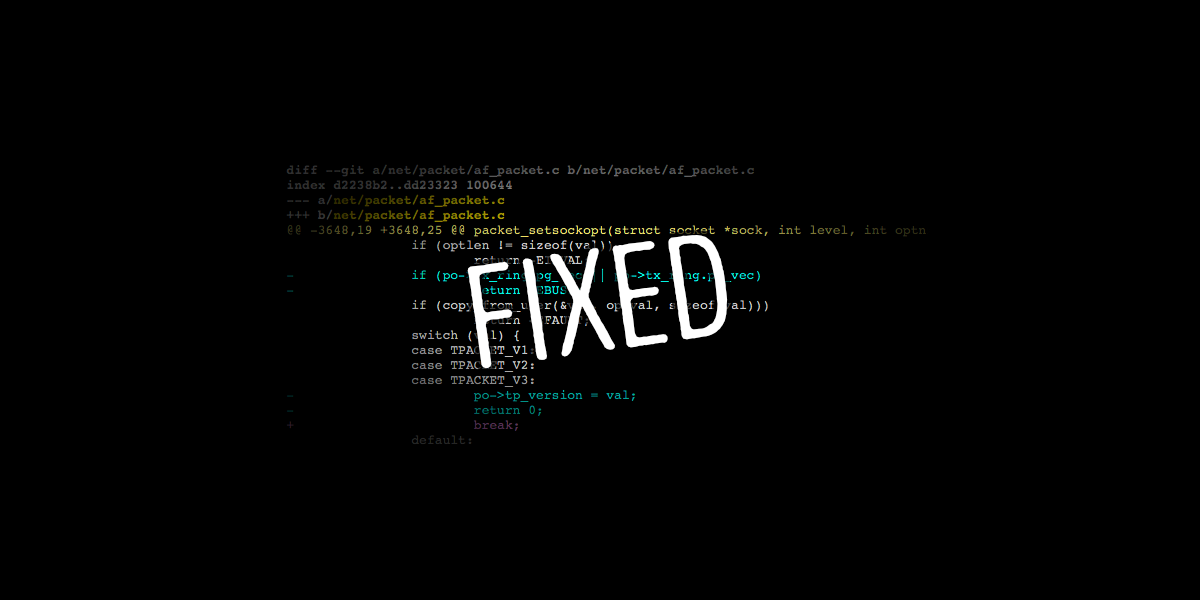
Yesterday a Linux kernel local root exploit was found and reported. One more time our dedicated Linux kernel team acted quickly and was able to apply the official vulnerability patch in less than 24 hours. All our shared and cloud servers are now protected and again we managed to do this with no reboots and downtime. Read below to find out more about the security problem and how we patched it.

Continue reading “Linux kernel local root exploit (CVE-2016-8655) fixed”

Dirty COW Linux Kernel Vulnerability Fixed

Last week a very serious vulnerability in the Linux kernel, the so called Dirty COW, was reported. Our dedicated Linux kernel team immediately addressed the issues and were able to patch it in less than 24 hours on the majority of our servers. What is more, we managed to do this without server reboot and we avoided the downtime that normally results from such kernel update activities. To learn more about the vulnerability and how we addressed it read below.

Continue reading “Dirty COW Linux Kernel Vulnerability Fixed”

When Your CMS Reaches End of Life

End of Life (EOL) in the CMS world refers to the point in time when an older version stops being supported by the company or community that has built it, and all efforts are focused on current and future versions. No support means performance, and more importantly, security issues, which nobody wants.

As a web host, we see our fair share of EOL CMS usage. While we often make our own patches to keep outdated client websites secure and in other cases we notify them about issues, it really is the application’s responsibility. We can’t possibly keep track of every outdated software we host and every security vulnerability that comes with it. Hence, here is more about what to do when your application becomes outdated and no longer supported.

Continue reading “When Your CMS Reaches End of Life”

Safe from httpoxy Vulnerability or How Thinking Ahead Pays Off

A dangerous easy-to-exploit vulnerability called httpoxy discovered 15 years ago, reappeared again yesterday, leaving server-side website software potentially open to attackers. This security hole impacts a large number of PHP and CGI web-apps. This means that anything that runs on PHP, Apache, Go, HHVM, Python can be vulnerable. The exploit allows man-in-the-middle attacks that could compromise web servers and potentially access sensitive data or seize control of the code. Thanks to our unique in-house developed systems and some precautions taken ahead of time by our DevOps team, SiteGround customers are unaffected by the return of the vulnerability.

Continue reading “Safe from httpoxy Vulnerability or How Thinking Ahead Pays Off”

Jetpack Critical Security Vulnerability

jetpack

Today a critical vulnerability was found in one of the most popular and widely used WordPress plugins – Jetpack. Fortunately, according to the plugin authors there is no evidence that this issue has been used to hack real sites. However, an update of the plugin was released – Jetpack 4.0.3.

As usual, our security team was pro-active and updated our WAF (web application firewall), adding rules to prevent the hack from being used. This means that even if your plugin is not updated to the latest version, your site will still be protected. However, we urge all Jetpack users to update the plugin to its latest version in which the vulnerability is patched.

[subscribe_cta]

Critical glibc Vulnerability Patched on all SiteGround Servers

gnu

Hours ago a critical vulnerability in  the GNU C Library (glibc) was announced alongside a proof of concept for the attack. This library is one of the main components in the majority of Linux distributions (if not all) including those, used for server OS’es. Without getting into too much technicalities, the exploit allows an attacker to remotely execute code by following a simple link. That’s one of the most severe vulnerabilities discovered in the recent years and potentially affects pretty much any Linux server out there.

Given that all SiteGround servers run on CentOS – a Linux distribution, we took immediate measures to secure our machines. I am happy to announce that a patch has been applied on all our servers and our customers are well protected against this security threat!

[subscribe_cta]

Let’s Encrypt is Here – Open Source Security Certificates Available at SiteGround

Let’s Encrypt

In December 2015 the new certificate authority Let’s Encrypt entered Public Beta and caused a wave of excitement. The groundbreaking news meant that website owners can obtain security certificates for their websites for free instead of paying for traditional SSL certificates and install them much easier. Naturally since then many of you have asked us when we would introduce the certificates on our hosting platform. For all of you who have been eagerly awaiting this moment, we are happy to say that Let’s Encrypt certificates are now available at SiteGround!

Continue reading “Let’s Encrypt is Here – Open Source Security Certificates Available at SiteGround”

Critical Vulnerability in Joomla Fixed on Zero-day

joomla-vulnerability

Yesterday, a serious vulnerability that affects all major Joomla versions was disclosed. Using this security breach a hacker could do a full remote command execution on the targeted site. We have worked together with the Joomla Security teams and came up with a rule in our WAF (web application firewall) that would block hacking attempts using this vulnerability and we don’t have reports for hacked accounts through this exploit.

Continue reading “Critical Vulnerability in Joomla Fixed on Zero-day”