

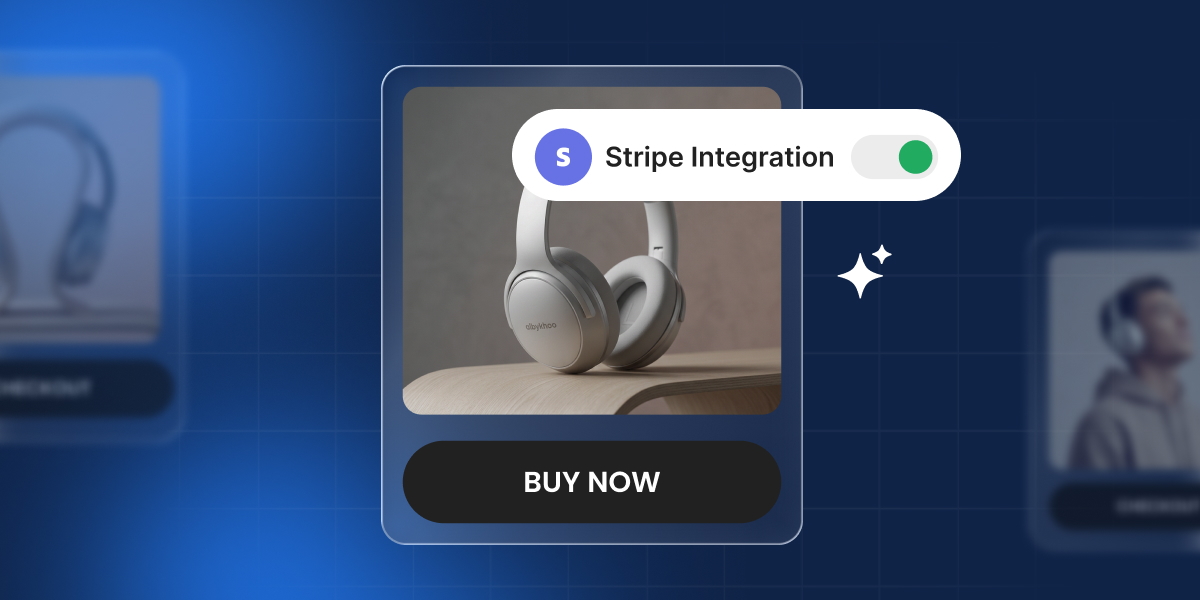
You can now add a Stripe checkout to anything you build with Coderick AI, easily and right in the chat. Your shop, your app, your booking page: they can all take online payments, through a checkout your customers already trust.
Tell Coderick what you want to charge for, connect your Stripe account, and you’re ready to start selling online.
What you get with Stripe in Coderick AI
- Accept one-time or recurring payments
- Connect your new or existing Stripe account, easily
- Generate Stripe checkout flows and payment links from your Coderick’s workspace
- Works with all Coderick AI paid plans
What is Stripe?
Stripe is one of the most trusted, versatile and widely used payment providers in the world, and it now works directly inside Coderick AI. It handles card payments, digital wallets, local bank methods, and subscriptions, and is used by millions of businesses to securely process payments every year.
In practice, Stripe takes care of the secure checkout, card data handling, and fraud checks, then the money from each sale lands in your Stripe account. That’s why it’s a natural fit for Coderick AI: Coderick builds the site, app and the sales flow, and Stripe is the trusted layer that actually collects the payment.
What you can sell with Coderick AI and Stripe
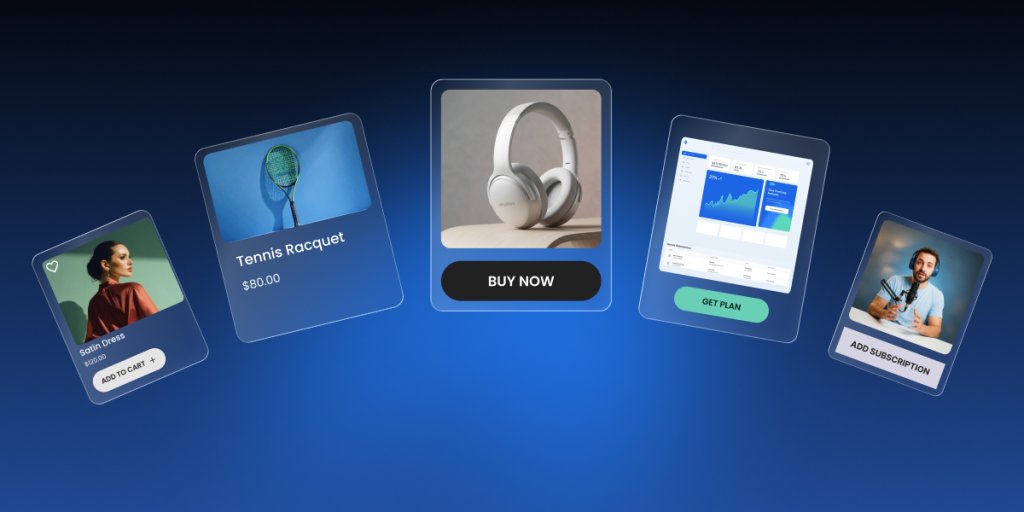
Sell your work – physical and digital products
Maybe you’re a ceramicist taking orders for a batch of mugs, or a photographer selling prints. You tell Coderick what you’re selling and what it costs, and it builds the online store and sets up the checkout through Stripe.
Get paid for the app you built
You built something: a planner, a habit tracker, a small CRM. Right now anyone can use it for free. Ask Coderick AI to add payments to the app you built: before someone can use the app (or unlock the full version), they go through a Stripe checkout and pay. Once they’ve paid, they get access. So the app you made on weekends starts bringing in money instead of just sitting there for free.
Charge for your services
Charge for work you already do: a consultation, a coaching call, a photo shoot, a freelance job. The same site that shows your work can now collect the payment for it, so you’re not sending a separate payment link by hand after every job.
Sell subscriptions and memberships
A single sale is nice, but a subscription is income you can count on every month. You can set up a membership, a yearly plan, or ongoing access, and Coderick AI builds it. Then ask Coderick to set up payment flow through your Stripe account.
One integration, many online payment methods
Whatever you’re building, getting paid is now part of the same conversation. Connect your Stripe account to your Coderick project, and your site or app can start taking online payments, one-time or recurring. That gives your customers a wide range of ways to pay, and the most widely used include:
| Payment type | Examples | How it works for your customer |
| Credit and debit cards | Visa, Mastercard, American Express, and more. | The most common way to pay online, accepted in most countries. |
| Digital wallets | Apple Pay, Google Pay, Link, and more. | One-tap checkout using a card already saved on a phone or browser, with no card details to type. |
| Buy now, pay later | Klarna, Clearpay, and more. | The customer splits the cost into instalments, while you’re still paid in full upfront. |
| Local bank methods | iDEAL (Netherlands), Bancontact (Belgium), BLIK (Poland), and more. | The customer pays straight from their bank account using the option they know in their country. |
Availability depends on your setup and your customer’s country. Apple Pay, for example, requires verifying your domain in your Stripe account first. Others, like Klarna, are only available in certain countries. Check Stripe’s documentation for the specifics on each.
Stripe decides which methods to show, based on the customer’s location, the currency, and what your account is set up to accept. The same checkout can offer different options to customers in different countries.
Secure checkout, handled by Stripe
If you’ve ever thought about selling online, you’ve probably had the worry: what actually happens to my customers’ card details? Could my website and I take such a responsibility and what are the security risks?
When enabling Stripe payments for your website or app, the payments don’t go through your web pages and full card details never touch your site . When a customer pays, they do it on Stripe’s own secure checkout page. Their full card details go straight to Stripe and never touch your site or the code behind it. Stripe is one of the most trusted names in payments, so the page your customers see is one they already recognise and feel safe using.
How to set up Stripe in Coderick AI?
Getting set up takes a few clicks:
- Tell Coderick what you want to sell, in plain language (“let people book a paid consultation,” “sell access to my online course”).
- Coderick builds your site or app, then shows a Stripe connection card in the chat. Click Connect. (You can also connect any time from the Integrations menu.)
- Copy a key from your Stripe account’s dashboard and paste it into the connection dialog. (Here’s how to create your key. It only takes a couple of clicks.)
- Coderick builds the full checkout for you: your products, payment links, and confirmation page, all from what you described.
- Try it in test mode first to see the whole flow work, then connect your live key when you’re ready to take real payments. (Learn how to go from test mode to live mode.)
That’s everything on your end. For the exact step-by-step, including how to create your key and go live, see the full guide: How to integrate Stripe in Coderick AI.
From here, it’s you and your customers
The building was never the hard part, getting paid was. Wiring up payments has always been the stark opposite of the free-flowing nature of vibe coding: weeks of setup, not minutes, before a single customer could pay you. So a lot of great work stayed as a side project: your app, your tool, something you built but never quite turned into a business.
That’s what changes here. You describe what you’re selling, Coderick AI builds the checkout in seconds, and what you made goes from idea to first paying customer in one conversation. The moment real people start paying for it — not a paycheck, not a client assignment, but strangers choosing to buy something you created — it stops being a prototype. It’s a real product.
It’s a feeling that’s genuinely hard to put into words. Whether you call yourself a non-technical founder or a vibe coder, this is the moment it was all for — your side hustle becoming your main hustle. From here, it’s just you and your customers.
Ready to start selling?
If you’ve already built something on Coderick AI, this is the piece that turns it into a business. Open your project, tell Coderick what you want to sell, and connect Stripe.
If you haven’t built anything yet, now’s a good time. Describe it, host it, and get paid for it, without leaving the chat.
Frequently asked questions
Yes. You connect your own Stripe account If you don’t have one yet, you can create it directly on Stripe’s site, then connect it to your Coderick project.
Can I use Coderick AI and Stripe without writing code?
Yes. Coderick generates the payment flow for your site or app, and Stripe handles the secure checkout. All you do is connect your own Stripe account using a key you copy from your Stripe dashboard, where you decide exactly what access to grant Coderick. Our full guide walks you through connecting Stripe and creating that key in a few clicks.
Is it secure?
Yes. Payments are processed by Stripe, one of the most trusted payment providers in the world. Your customers’ full card details go straight to Stripe’s secure, certified checkout and never touch your site or your project’s code.
What can I sell?
Both one-time and recurring payments: physical products, digital downloads, services, bookings, and subscriptions.
Can I sell subscriptions?
Yes. You can set up recurring payments for things like a membership or ongoing access. One important step if you do: ask Coderick to build a subscription management area into your site, where customers can pause or cancel their plans. Without it, someone could subscribe with no way to cancel. You’ll find more on setting up the customer experience after purchase in our full guide.
Can I test it before taking real payments?
Yes. Connect your Restricted Key in test mode (it starts with rk_test) and run through the whole buying flow yourself, with no real charges. When everything looks right, swap in your live key (rk_live) from the Integrations menu and you’re ready to take real payments. Our full guide shows you how to create and connect your Restricted Key.
How are taxes handled?
You can enable Stripe Tax, a paid add-on in your Stripe account, to automatically calculate and collect the right tax rate at checkout. Setting it up and staying compliant is your responsibility as the seller.
How do refunds work?
You can ask Coderick to build an admin dashboard into your project and process refunds yourself, as long as your Restricted key has refund permissions enabled (they usually are by default). To confirm a refund went through and see the full record, check your Stripe dashboard.
Where do my customers pay?
On Stripe’s secure checkout. When a customer clicks to buy, they’re taken to Stripe to pay, then sent straight back to a confirmation page on your site.