

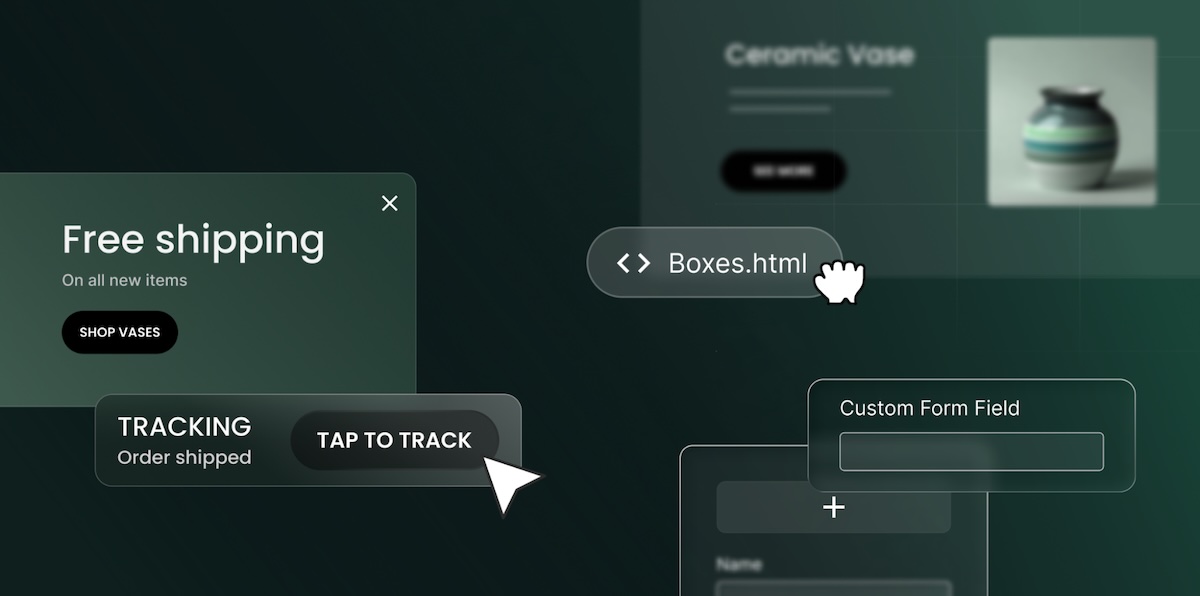
Running a small business means wearing every hat: designer, marketer, accountant, shipping department. Website troubleshooter shouldn’t be one of them. So every time we update the SiteGround Website Builder, the question is the same: does this actually make your day easier? This latest batch does, across shipping, marketing, and everything in between.
Professional shipping, without the headache: introducing our Shippo integration
Shipping is one of those things that sounds simple until you’re actually doing it. Which carrier? What rate? Did you overcharge and lose a sale, or undercharge and eat the cost? It adds up fast.
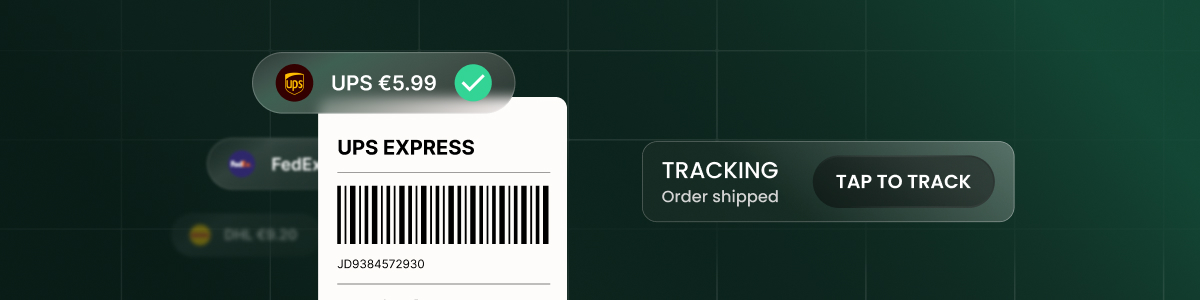
With our new Shippo integration, those decisions get a lot easier. Your customers see live shipping rates at checkout, calculated in real time based on package size, weight, and destination. Behind the scenes, you get access to discounted rates from 16 carriers, including FedEx, UPS, USPS, DHL, and Royal Mail, across 49 countries.
And when an order is ready to go, generating a label takes a few clicks. The tracking number goes to your customer automatically, and the order status updates itself. No copy-pasting, no chasing down confirmations.
For anyone shipping products regularly, this is the kind of update that quietly saves hours every week. Note that the Shippo integration is available on Grow and Scale plans.
Engage visitors when it counts with popups

Sometimes the most effective message is the one that shows up at exactly the right time. The new popups feature lets you build and display targeted messages directly on your storefront, no code needed.
You control who sees each popup and when: set time-based or scroll-based triggers, define reappearance frequency, and target specific pages, categories, or products. Toggle any popup between Active and Inactive at any time.
Creating and editing popups is available on all plans. Setting a popup to Active requires a Trial or Scale plan.
Pull your sales data whenever you need it
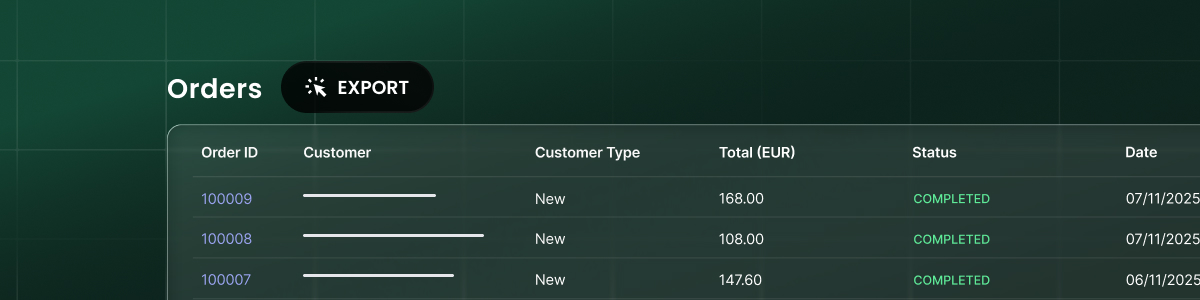
Tax season, a monthly reconciliation, a gut-check on last month’s numbers. Whatever’s prompting it, digging through orders one by one is nobody’s idea of a good time. Now you don’t have to. Export your orders as a CSV, filtered by date range and order status, and you’ll receive an email with a download link once it’s ready.
Make your site look exactly how you want it to

When you need something the builder doesn’t have out of the box (say, a booking calendar, a launch countdown, a specific embed) the new custom code component lets you drop in HTML, CSS, JavaScript, iframes, or Markdown directly onto any page. No developer needed, and nothing else on your site is affected.
Collect the right information

A generic contact form gets generic responses. But a form built for your business gets exactly the responses you need. With that goal in mind, custom form fields let you add short and long text, email, dropdowns, radio buttons, checkboxes, and dividers to any contact form. Whether it’s a client intake, a quote request, or a signup, your form works the way your business works.
Move elements faster

Reorganizing a layout used to mean moving elements one by one. Now, multi-component select lets you grab multiple elements at once and move them together. Small change, big difference when you’re deep in a redesign.
Built for you and with you
Every one of these updates came from listening to you: your feedback, your frustrations, and the things that were taking longer than they should. Building a professional website or running an online store should be something anyone can do, without needing a development team or a logistics department behind them. These updates make that happen, and there’s a lot more to come.
[103]