We first launched our WordPress AutoUpdater in 2012. Some tweaks were made to the system a year later when the original AutoUpdate feature was included in the WordPress core, but we continued to rely primarily on our own system for our customers. The SiteGround AutoUpdater has been used successfully for the last 5 years and has kept a lot of our customers up-to-date and safe from hacks. Thanks to it, more than 70% of the WordPress installations on our servers have been constantly using the latest software version. However, we have been thinking for a while how to get this percentage even closer to 100. The recent security issues with WordPress REST API motivated us to introduce a change into the system that increased the upgrade rate to more than 90%.
Continue reading “WordPress AutoUpdater Restarted”Are You Ready to Get Hacked?
In the security world, the following advice seems to be gold: keep templates and plugins up to date; use secure passwords and captchas; be careful whom you give access and to what; use a security-conscious web host.
While those are all great tips and we encourage them, your website is still (and always will be) hackable. We’ve seen and helped clients with numerous hacks over the years, so we wanted to share some advice that goes beyond following security best practices.
As your user base and reputation grow, getting hacked becomes more likely and it really can happen to anyone. Therefore, the best thing you can do is to have a hack recovery plan. In case of disaster, you’ll know exactly what needs to be done, and who can do it for you. You won’t panic and make hasty decisions that may turn a crisis into a catastrophe.
1. Be the First to Know
You don’t want to find out about a hack from a random visit to your own site. You don’t want to see the red screen of death, with an unwelcoming message like “Danger: malware ahead!” or “This website may harm your computer”. You don’t want to see your homepage defaced (at the time of writing, a WordPress REST API Vulnerability is at large and defacing thousands of websites).
The worst thing about finding a hack by accident is that you probably won’t know how long it’s been there. You won’t be able to put the damage into perspective.
The solution is to set up one or several proactive tools that detect hacks and notify you.
Front-end/Source Code Monitors
There are tools that monitor the front-end of your site for uptime and content changes, such as Pingdom. There are also tools that monitor the source code of your website for hacks, such as our own HackAlert service. Both can be set up to send various notifications and the options here are endless.
Google Search Console Alerts
Although you cannot count on it for an early warning, Google’s Search Console detects a plethora of hacks. Set up your site and make sure to enable email alerts in the preferences. It’s a good idea to keep an eye on Google’s security status regarding your site. Best of all, it’s free.
2. Make a Backup
You will need a backup copy of the hacked site to be used later when removing malicious code. Make a backup and save it before going into maintenance mode.
That being said, make sure your site is backed up regularly and several copies are kept at all times. A clean copy can also be of help when later recovering your site. Your web host will usually make backups for you, but there are plenty of tools and plugins to set up backups yourself.
3. Get the Access Logs
Another thing to be used in the recovery of your site is access logs. Talk to your host whether they can provide them and how far back in time. Some attacks are difficult to find and may require logs from 6 months ago. If your host cannot provide that, set up log keeping yourself. At SiteGround, and probably other hosts, access logs can be downloaded from the Statistics tool.
4. Have Maintenance Mode Ready
Going into maintenance mode as soon as possible is important. Search engines constantly check the HTTP status of your site and what content it is serving to visitors. Having your site down or serving malicious content will obviously damage your rankings.
This is why it’s a good idea to have a simple HTML maintenance page ready before you ever get hacked. You’ll be able to enable it quickly, while your site is being cleaned, minimizing damage in the eyes of both visitors and search engines.
The best way to enable maintenance mode is by using .htaccess to redirect all requests to an html page. This way, any malicious files left on your domain will become inaccessible and will forward to the said page.
5. Clean the Website and Vulnerability
To clean your website, you can either restore from a clean backup or remove the malicious code from files and databases. Whatever the method of cleaning, you will have to make sure the vulnerability is eliminated afterward.
Restoring a Clean Backup
This is the fastest, easiest and cheapest option that most people will be able to perform on their own with their backup tool. However, it comes with some disadvantages. If you are running a website that is updated frequently, you may lose some data (e.g. an online store might lose some orders). Also, you can never be sure that the backup you are restoring is completely clean.
Remove the Malicious Code From Files and Database
This is the more effective option, but it can prove extremely difficult depending on the hack. If you are not completely sure what you are doing, it’s best to use a 3rd party cleaning service. Identifying and removing attacks is well beyond this blog post.
Eliminate the Vulnerability
This is where the access logs come into play, however, once again this can become a difficult task that you should be confident with when performing it on your own. At the end of the day, you need to know the malicious code was removed from your files and database, together with the vulnerability used to access and modify those files and databases.
SiteGround customers can order a thorough malware cleanup, by going to Client Area -> Contact us -> Expert Care Service -> Malware Cleanup.
6. Return to Live
At the end of the process, you should change all passwords of all users, tools, and devices that have access to your site (control panel, FTP, SSH, etc.). Make sure the same is done by all website collaborators. Do this before you go live.
Another thing you should consider at this point is your website users and visitors. Analyze the situation and find out if any of their data was exploited during the attack. If yes, it’s a good idea to communicate it, along with a password change and any other needed actions to users.
How to secure your WordPress website? (video tutorial)
[subscribe_cta]

HTTPS for WordPress With a Click
A month ago we made the first step to increase the adoption rate of SSL certificates amongst our customers by starting to issue automatically Let’s Encrypt certificates for all domains hosted on our servers. However, there still remained a manual step to configure all applications to use the certificates we’ve made available. We knew that if we really wanted to see a rise in the HTTPS usage we not only needed to provide the SSLs, but also make it easy for our clients to implement them. Today we are happy to announce that we have achieved this second goal for a large group of our customers — the WordPress users.
Continue reading “HTTPS for WordPress With a Click”Our Affiliate Program in 2016 – Founded on Product Quality and Trust
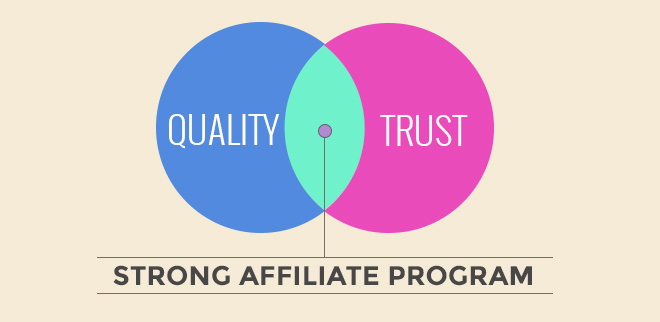
2016 was the most successful in the history of SiteGround. We kept growing in terms of clients and employees and we worked on many new projects that improved further the quality of our service. One of the key factors for our success is the relationship with our affiliate partners. During the past year, we welcomed 63% more affiliates and witnessed a 60% increase in the number of affiliate sales. We have distributed nearly $6 million in commissions.
Linux kernel local root exploit (CVE-2016-8655) fixed
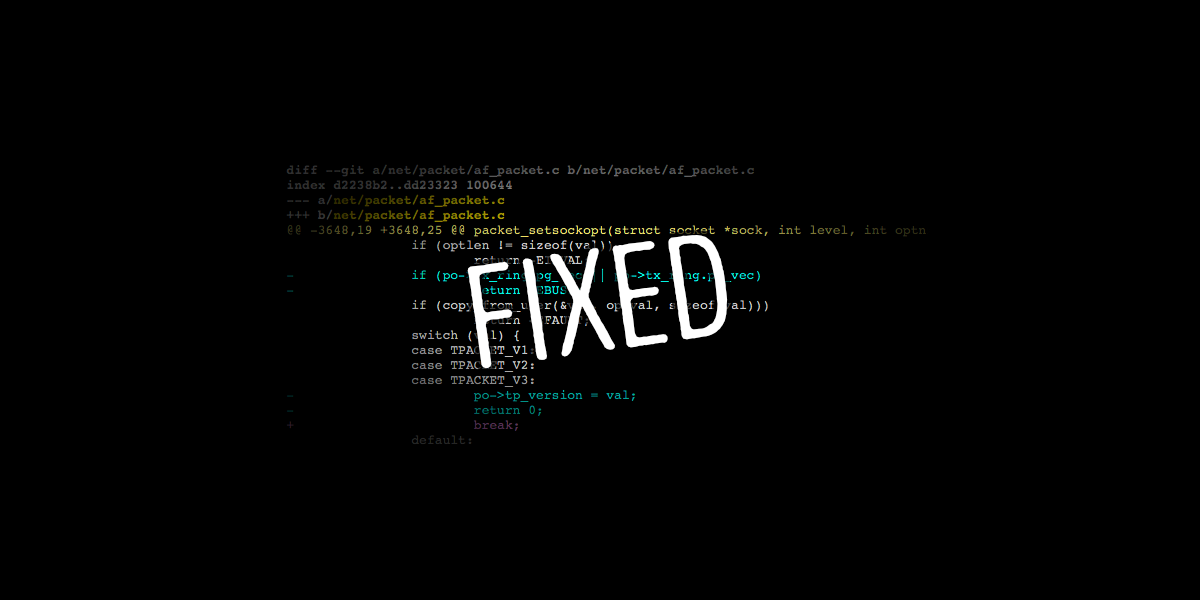
Yesterday a Linux kernel local root exploit was found and reported. One more time our dedicated Linux kernel team acted quickly and was able to apply the official vulnerability patch in less than 24 hours. All our shared and cloud servers are now protected and again we managed to do this with no reboots and downtime. Read below to find out more about the security problem and how we patched it.
Continue reading “Linux kernel local root exploit (CVE-2016-8655) fixed”PHP 7.1 Already Available on Our Servers
We are thrilled to announce that one more time SiteGround has made the latest PHP version (PHP 7.1) available on most of its servers just minutes after it was officially released. PHP 7.1 comes with exciting new features for developers. However, it also reintroduces incompatible changes and migrations from 7.0 to 7.1 should be performed with great caution.
In this blog post we would like to:
Dirty COW Linux Kernel Vulnerability Fixed
Last week a very serious vulnerability in the Linux kernel, the so called Dirty COW, was reported. Our dedicated Linux kernel team immediately addressed the issues and were able to patch it in less than 24 hours on the majority of our servers. What is more, we managed to do this without server reboot and we avoided the downtime that normally results from such kernel update activities. To learn more about the vulnerability and how we addressed it read below.
Continue reading “Dirty COW Linux Kernel Vulnerability Fixed”When Your CMS Reaches End of Life
End of Life (EOL) in the CMS world refers to the point in time when an older version stops being supported by the company or community that has built it, and all efforts are focused on current and future versions. No support means performance, and more importantly, security issues, which nobody wants.
As a web host, we see our fair share of EOL CMS usage. While we often make our own patches to keep outdated client websites secure and in other cases we notify them about issues, it really is the application’s responsibility. We can’t possibly keep track of every outdated software we host and every security vulnerability that comes with it. Hence, here is more about what to do when your application becomes outdated and no longer supported.
Continue reading “When Your CMS Reaches End of Life”SiteGround x CreativeMornings/SOF
“Everyone is creative. Everyone is welcome.” This is part of the manifesto of CreativeMornings–a global monthly breakfast lecture series for the creative community. Their motto in the spirit of our Community Series is just part of the reason why we love and support our local CM chapter. It is also what inspired our joint #CMCreativeTravels campaign that will take one person from our community to a CreativeMornings event of their choice anywhere in the world. But first, a little background.
CreativeMornings originated in NYC and is now happening in over 150 cities around the world. Ever since we stumbled upon our first CM talk years ago, we’ve been great fans of the series and the values it promotes, since they resonate very deeply with our own: creativity, inclusivity, connection and collaboration. That’s why when we found out that Sofia, the city of our headquarters, is about to become part of the global CreativeMornings family, we could not wait to get involved. We reached out to the organizing team and said we wanted to help out. Ever since we cannot imagine spending every last Friday morning of the month any other way – and it’s been almost a year now.
Safe from httpoxy Vulnerability or How Thinking Ahead Pays Off
A dangerous easy-to-exploit vulnerability called httpoxy discovered 15 years ago, reappeared again yesterday, leaving server-side website software potentially open to attackers. This security hole impacts a large number of PHP and CGI web-apps. This means that anything that runs on PHP, Apache, Go, HHVM, Python can be vulnerable. The exploit allows man-in-the-middle attacks that could compromise web servers and potentially access sensitive data or seize control of the code. Thanks to our unique in-house developed systems and some precautions taken ahead of time by our DevOps team, SiteGround customers are unaffected by the return of the vulnerability.
Continue reading “Safe from httpoxy Vulnerability or How Thinking Ahead Pays Off”