Discover expert insights, strategies, and best practices for crafting high-performing email marketing campaigns that increase engagement and conversions.
Struggling with low open and engagement rates? It’s not your writing, it’s relevance. When emails don’t match what your audience cares about, they get ignored. Even experienced marketers face this challenge.
But when your emails are relevant, you can:
Boost open rates by 29% and click-throughs by 41% (Experian)
Convert up to 6× better (Experian)
Your subscribers aren’t all the same. So why send them the same email?
Meet Custom Fields: Your Key To Better Performing Emails
We added the option to create Custom Fields in your email marketing to help you send better, more targeted emails.
Think of Custom Fields as a way to learn more about your subscribers than just their name and email. Custom fields allow you to record and use extra information about your subscribers beyond the default fields like name and email. This enables you to create more targeted and relevant email campaigns, leading to higher engagement and conversions.
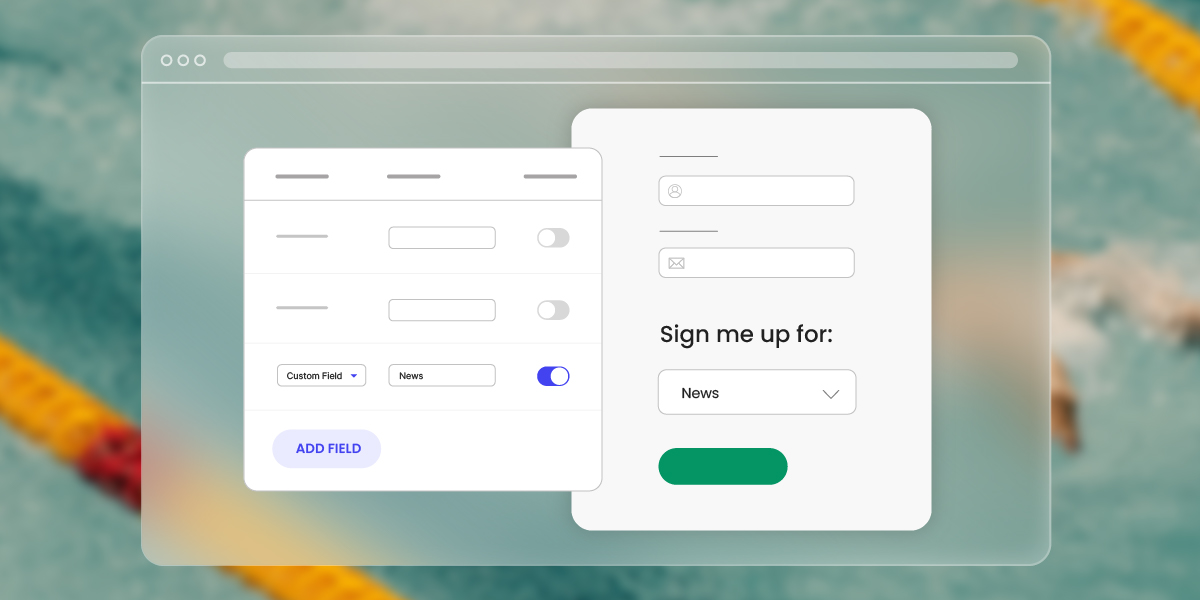
You can add Custom Fields in your signup forms using the SiteGround Lead Generation plugin. Or, manually update someone’s profile whenever you learn something new about them.
They work seamlessly with your existing forms and campaigns, so you can start personalizing right away.
A good first step? Pick just one thing you’d like to know like your subscriber’s location or content interest and add it to your forms and see how easy and useful it is. You can always add more fields later.
What Can You Do With Custom Fields?
You can start personalizing your emails in a few clicks.
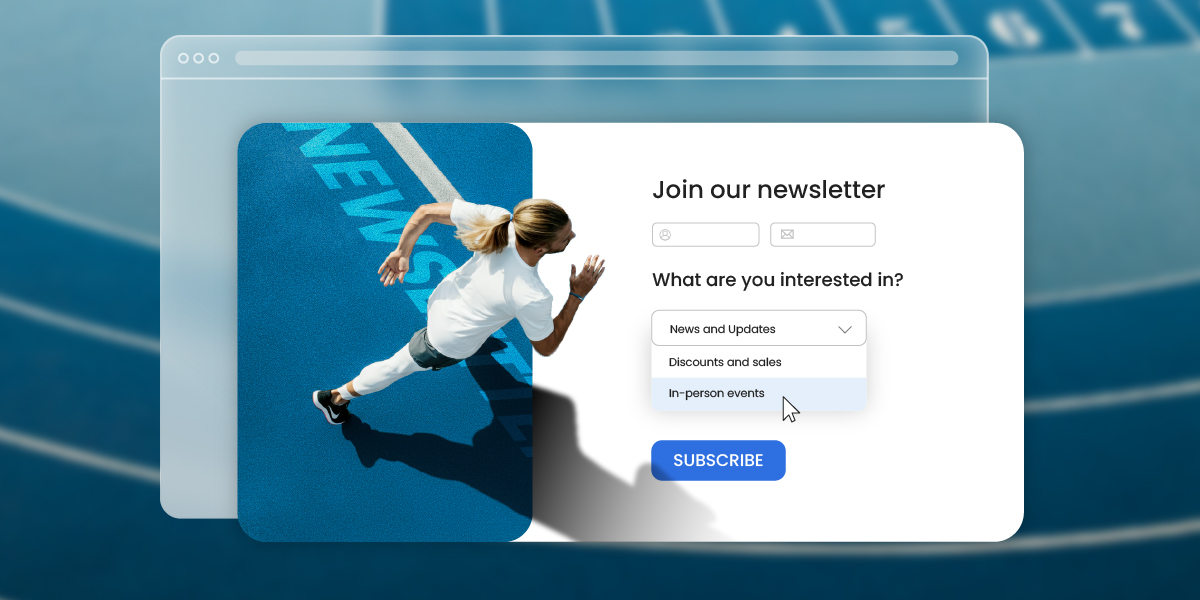
Imagine you run a cooking blog and you’re sending out a newsletter. Instead of sending the same recipes to everyone, you can ask subscribers about their culinary preferences when they sign up. Just add a custom field to your form with the question: “What recipes do you want to receive?” Then offer options like Vegan, Quick meals, Gourmet cooking, etc.
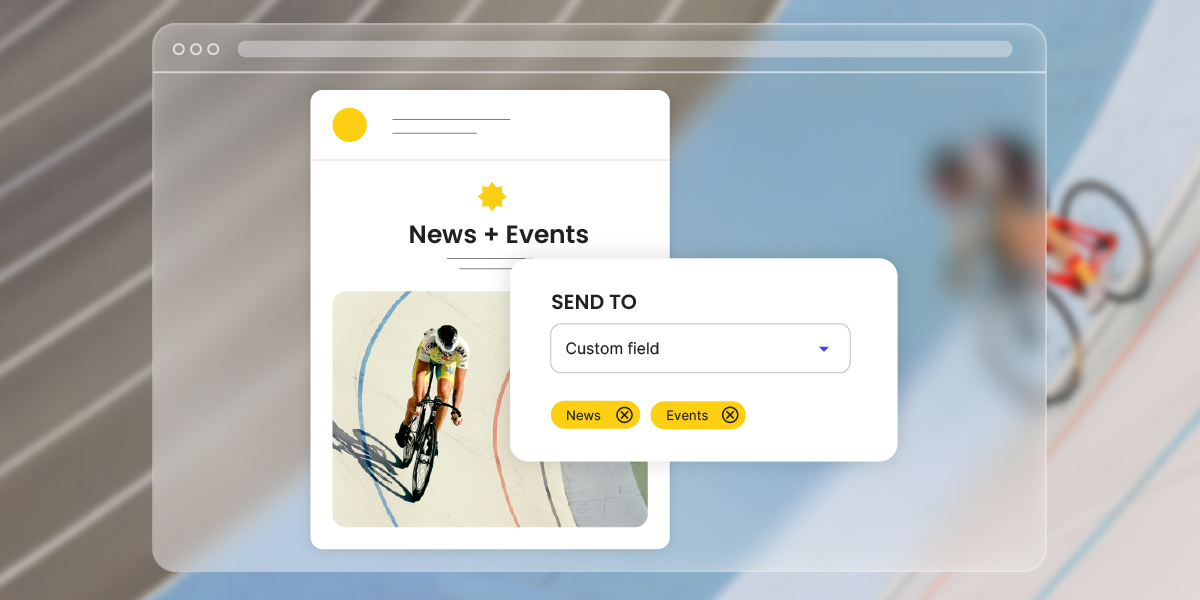
Now when you write your newsletter, you can adapt your content to the different interests of the groups that follow you. Creating a vegan recipe? Send it only to subscribers who chose “Vegan.” Have a quick 15-minute meal idea? Send it just to the “Quick meals” group. Your latest fine dining dish? Share it with the subscribers who crave restaurant-level meals at home.
Or say you own a local training studio and you wish to keep subscribers informed about your schedule updates. Add a custom field to your signup form asking “What’s your workout preference?” with options like Yoga, Strength Training, or Cardio. Instead of one generic announcement about your new class schedule, you can send more engaging updates to each group: yoga fans hear about the new morning yoga sessions, weightlifters get news on strength-training workouts, and everyone gets something that feels relevant to their goals.
That’s what Custom Fields do: they give your emails context, so every message is written for the person reading it.
Start Using Custom Fields Today
Log into your Email Marketing Dashboard → Contacts → Custom Fields, create your first custom field (takes about 2 minutes), and start collecting the information that will make your emails more relevant. Need help getting started? See our full Custom Fields guide here.
Custom Fields let you treat your email subscribers with personalized content. When you know what your audience cares about, your emails become more relevant. More relevant emails get opened, clicked, and convert better. Try it with your next campaign and see how your email performance improves!
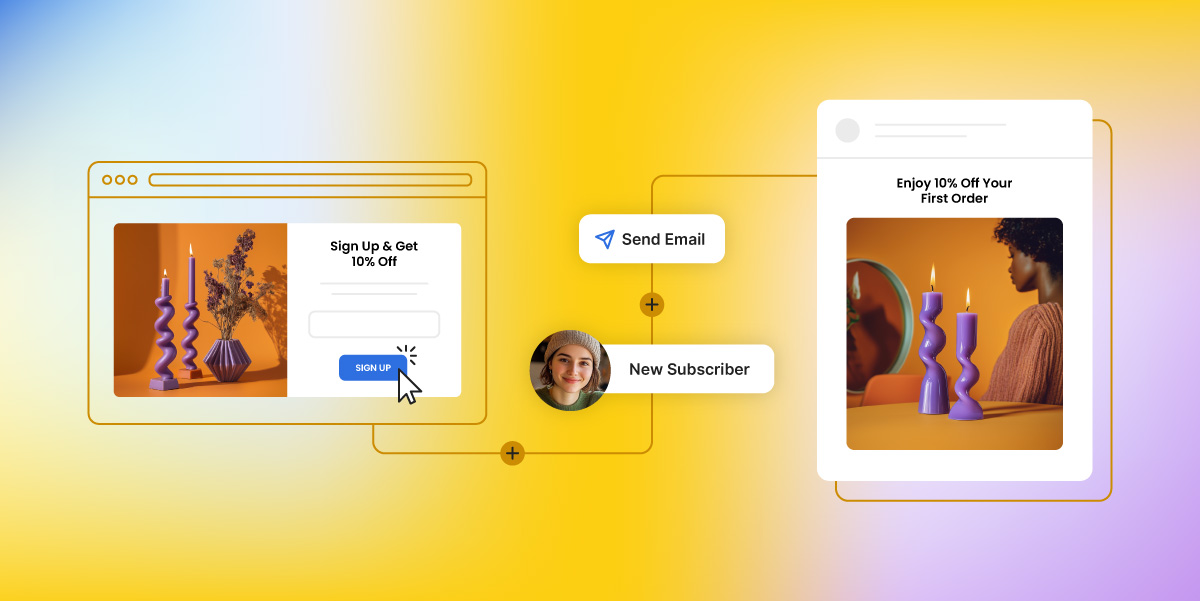
The latest update to our Email Marketing platform brings you Email Automations — a powerful new feature that lets you set up a series of emails that automatically get sent, based on subscriber actions, like signing up for your newsletter or downloading a resource. Thanks to it, you can now send welcome sequences, deliver freebies, and keep your audience engaged with simple, effective email flows.
Create the Automations Your Business Needs
SiteGround Email Marketing empowers you to set up a range of automations that are very effective and help you boost lead conversion and client retention. For example, you can create:
Welcome Series: Welcome every new subscriber with a tailored series that introduces them to your brand, keeping them engaged from day one.
Nurture Flows: For potential customers, automated nurture emails build rapport and guide them toward conversion naturally.
Freebie Deliveries & Mini-Courses: Automatically deliver content—like downloadable resources or educational emails—to keep subscribers engaged and coming back for more.
Automations scale with you as your list grows, ensuring each subscriber has the same quality experience, no matter when they join.
Tailored For A Seamless Setup
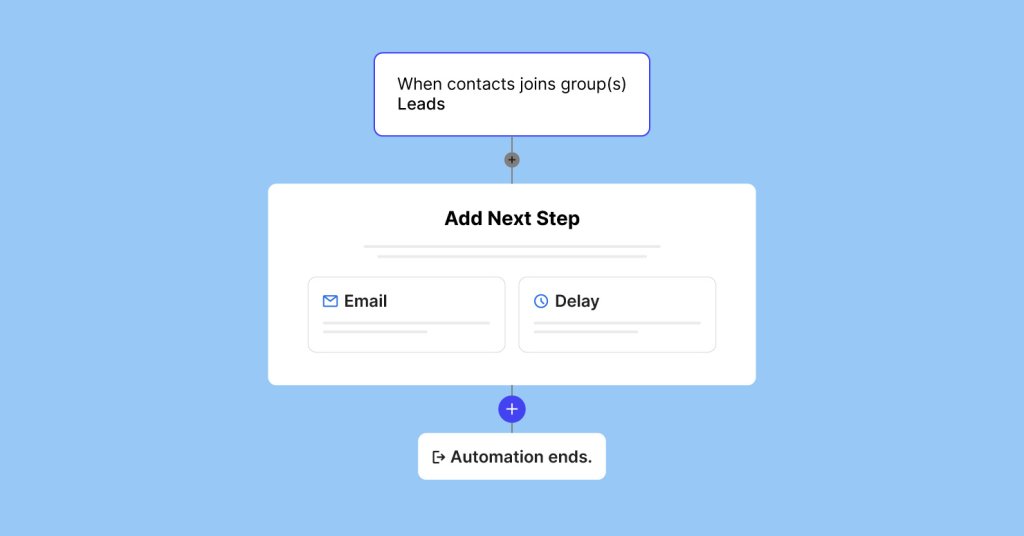
You can easily create Automations with our platform. Our Automations work with these three simple building blocks—Triggers, Emails, and Delays:
Triggers: The trigger starts your automation when a subscriber takes action, such as joining a group via a sign up form on your website.
Emails: Map out each email in your sequence to ensure every message supports your goals, from engagement to loyalty to conversion.
Delays: Space out emails in a way that keeps subscribers interested without overwhelming them. Choose intervals that fit your sequence, from immediate follow-ups to spaced-out sequences.
Not sure what email automations are exactly? In our in-depth guide on email automations, you’ll discover the what, why, and how of automated emails, with practical examples of email sequences that drive subscribers’ engagement and real business growth on autopilot.
Get Started with Email Automations Today
With Automations, you’re setting up your business for consistent growth without the added workload. Log in to your SiteGround Email Marketing account now to set up your first automation and experience how email marketing can drive growth for your business.
And if you’re not yet a customer, take advantage of our exclusive 80% discount and discover how easy it is to nurture, engage, and grow your audience with SiteGround Email Marketing.
With SiteGround Email Marketing, automations take your email engagement to the next level by working 24/7 to build relationships, save you time, and deliver real results. Setting up a sequence once means you reach every subscriber at the right moment with relevant, impactful messages—strengthening loyalty, driving conversions, and giving you back hours to focus on growth. It’s the consistency, scale, and efficiency you simply can’t achieve manually.
You asked, we delivered! At the heart of our latest release is our most wanted welcome email automation – but that’s not all. We have also rolled out double opt-in, view in browser functionality, and social media integration. With these new features, we’re serving up the perfect recipe for your email marketing success.
Create Automated Welcome Emails: Your First Step to Lasting Relationships
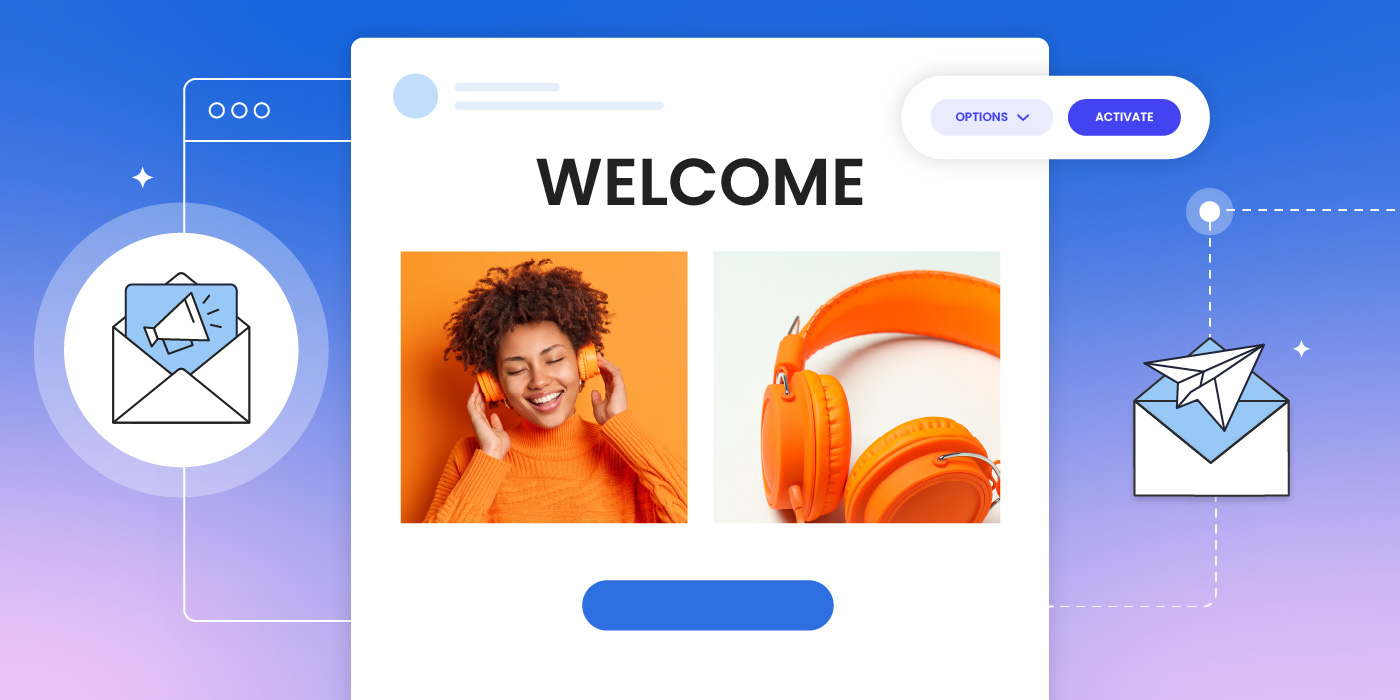
We’re excited to announce the launch of our Automated Welcome Emails feature, designed to make connecting with your new subscribers easier than ever.
So, what’s a welcome email? It’s the first email your new subscribers get, and it’s more than just a “hello.” You can use it to send a freebie, share a webinar link, or introduce them to your brand – all automatically. By getting this set up, you can build trust from the start, keep your audience engaged, and even drive sales from day one. And the best part? We’ve made it incredibly easy. Even if you’re new to this, you’ll be able to craft effective and engaging welcome emails in no time. Plus, with our selection of templates, you’ll find the perfect design to match your needs – whether you’re sending a freebie or simply greeting new subscribers.
Why does this matter for your business? A warm, well-timed welcome can set the tone for the entire customer relationship. With our easy setup, you’ll be able to welcome new subscribers instantly, build stronger connections, and boost your marketing results.
Ready to boost your subscriber relationships from day one? Log in to your SiteGround Email Marketing account now and start creating your automated welcome emails.
📚 Check out our welcome email guide, filled with helpful tips and examples to help you craft the perfect welcome emails.
More Tools to Enhance Your Email Marketing
Connect Your Email and Social Media Strategies with Integrated Icons
We’re excited to introduce social media icons in your emails. Now you can:
✅ Seamlessly connect your email and social media strategies
✅ Grow your social following through your email campaigns
✅ Provide subscribers with multiple ways to engage with your brand
Ensure Your Subscribers Are Genuinely Interested with Double Opt-In
Boost your email deliverability and ensure you’re reaching genuinely interested subscribers with our new double opt-in feature. This added layer of confirmation:
Make Your Emails Easily Shareable with View in Browser
“View in browser” is a powerful tool for increasing your reach through social sharing. Recipients can now easily share your email content on their social networks, expanding your audience beyond your subscriber list.
These new features work in harmony to grow your email marketing effectiveness. Picture this: A new subscriber joins your list. They immediately receive a personalized welcome email, confirm their interest through double opt-in, share your content using the ‘View in Browser’ feature, and connect with you on social media. This seamless process nurtures the relationship from the very beginning, creating engaged subscribers who are more likely to become loyal customers.
Start Exploring These New Features
These powerful new features are available now in your account. Log in today to start exploring.
If you’re not yet a customer, now’s an excellent time to discover what SiteGround Email Marketing can do for your business.
Every business, whether it’s a physical store or an online shop, needs to use every tool available to grab and keep (potential) customer attention. Our latest release of free email templates is designed to do just that: make your email creation process smoother, more effective, and enjoyable. We’ve also introduced other exciting improvements including new integrations with popular WordPress lead generation forms, new email builder shortcuts, and more.
Read on to explore all these features and more in our latest update.
Effortless Email Creation with Templates
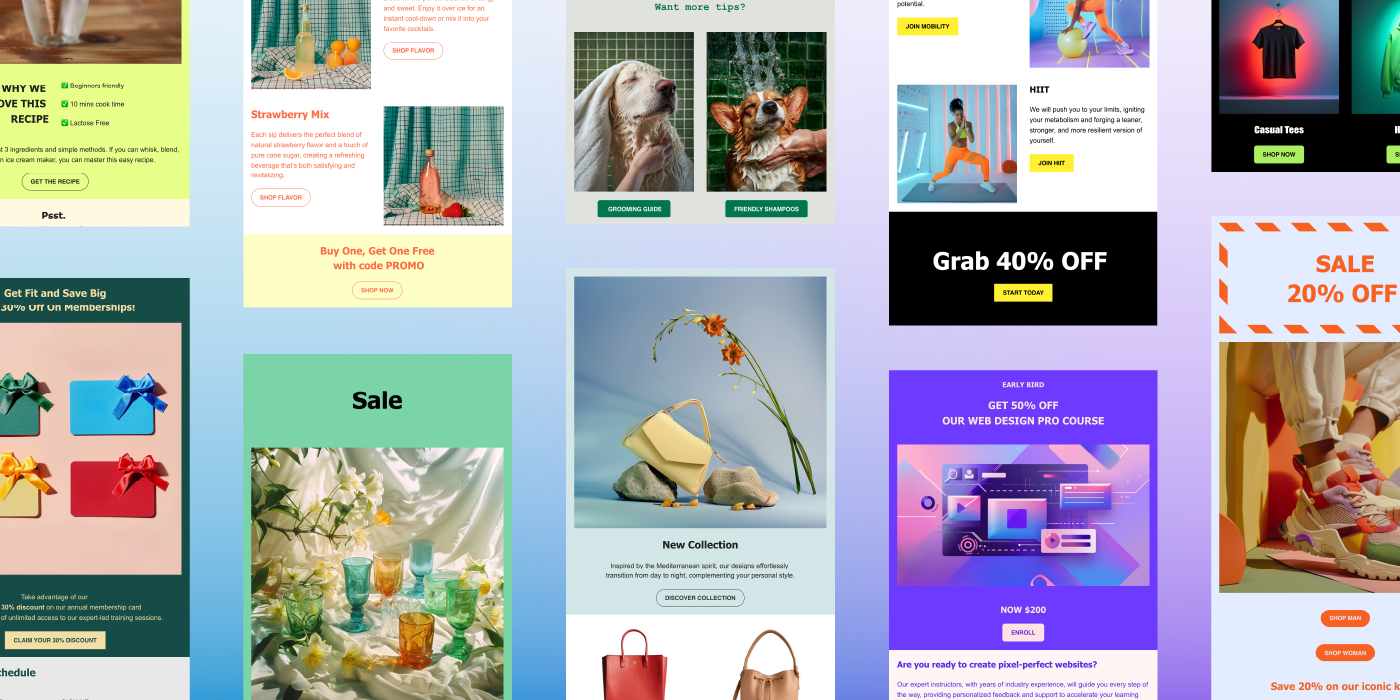
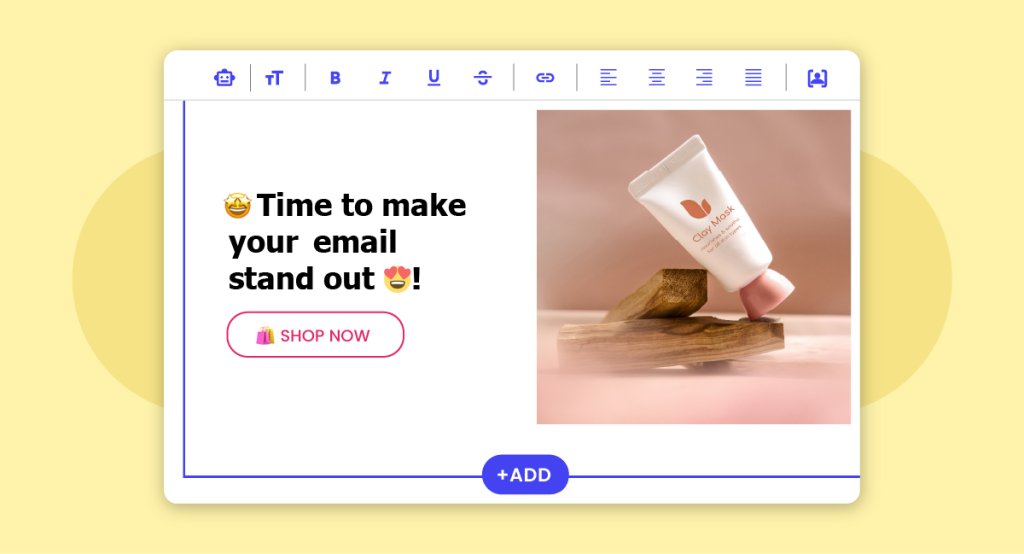
Email creation should be as easy as possible. To make this process easier, we’ve introduced ready-to-use templates on top of our intuitive no-code email builder, letting you create professional-looking emails with minimal effort. Imagine creating eye-catching emails in no time, impressing your clients, and freeing up valuable hours in your day.
These templates act as a starting point, allowing you to customize and tweak them to fit your business’s unique needs. Here’s how these templates can benefit you:
Simplify Your Workflow and Save Time: With our ready-to-use templates, you can streamline your email creation process, freeing up time to focus on other crucial business tasks.
Leverage Expert Best Practices – Benefit from the expertise of email marketing professionals. Our templates are designed following proven best practices to ensure your emails look professional and perform effectively, even if you’re just starting out.
Drive Sales with Engaging Emails: Boost engagement and click-through rates with visually appealing templates designed to capture your readers’ attention and encourage them to take action.
Each template is designed and tested by our skilled email marketing team, ensuring quality and effectiveness.
There’s a Template for Every Need
Our first set of templates includes a wide range of designs perfect for different types of businesses and needs, from eCommerce and services to education and real estate. But don’t feel limited by these categories – get creative and customize them to fit your brand’s unique style. Ready to explore some of them?
Promotional Templates
Driving sales and showcasing your offerings is essential. Our promotional templates are crafted to help you present new products, special offers, and exclusive deals effectively.
Ecommerce Email Templates for Promotions
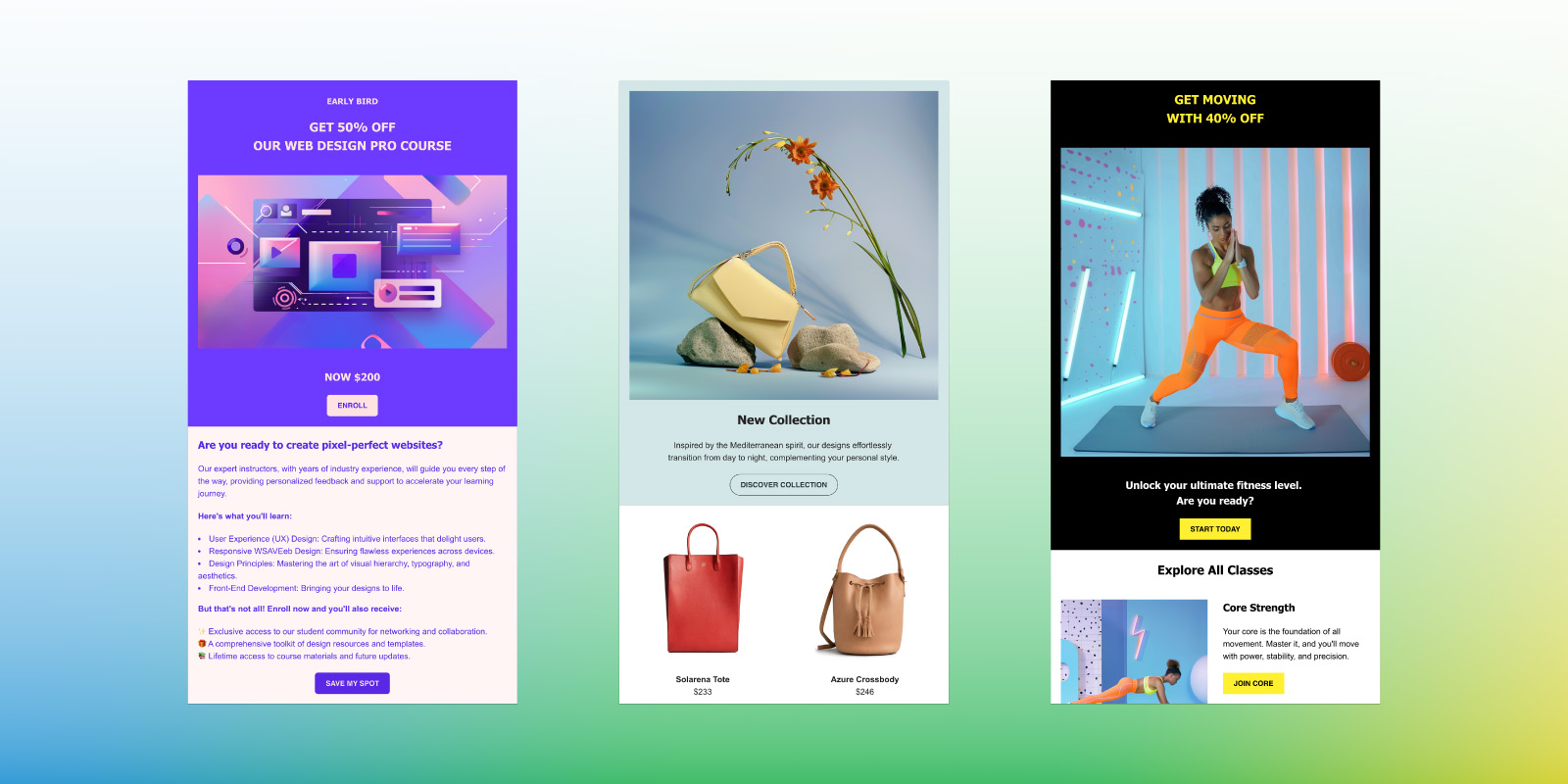
Perfect for showcasing new promotions and products to boost immediate sales. Whether you’re launching a new collection or running a special offer, these templates will grab your customers’ attention and encourage quick action.
Education Email Templates for Courses and Webinars
Ideal for promoting educational courses and upcoming webinars. These templates help you highlight key information about your courses and webinars, making it easy for potential students to enroll and stay informed.
Fitness and Sports Email Templates
Designed for gyms, trainers, and sports facilities to promote classes and services. Showcase your latest fitness programs and schedule classes to inspire and engage your clients.
Real Estate Email Templates for Property Listings
Tailored for real estate professionals looking to showcase properties and open houses. Use these templates to create stunning property listings, highlight open house events, and attract potential buyers or renters.
Restaurant Email Templates for Promotions
Perfect for promoting new menus, food delivery, and reservations. Keep your customers updated with the latest offerings, special promotions, and events to drive more foot traffic and reservations.
Service Industry Email Templates
Versatile templates for various service-oriented businesses to highlight offers and promotions. Whether you’re in website design, home repair, or any other service industry, these templates will help you communicate your value and attract new clients.
Newsletter Templates
Keeping your audience informed and engaged is crucial for building strong relationships and maintaining customer loyalty. Our newsletter templates are tailored to help you effortlessly share valuable content, ensuring your communications are always polished and professional.
Email Templates to Highlight Your Latest Content
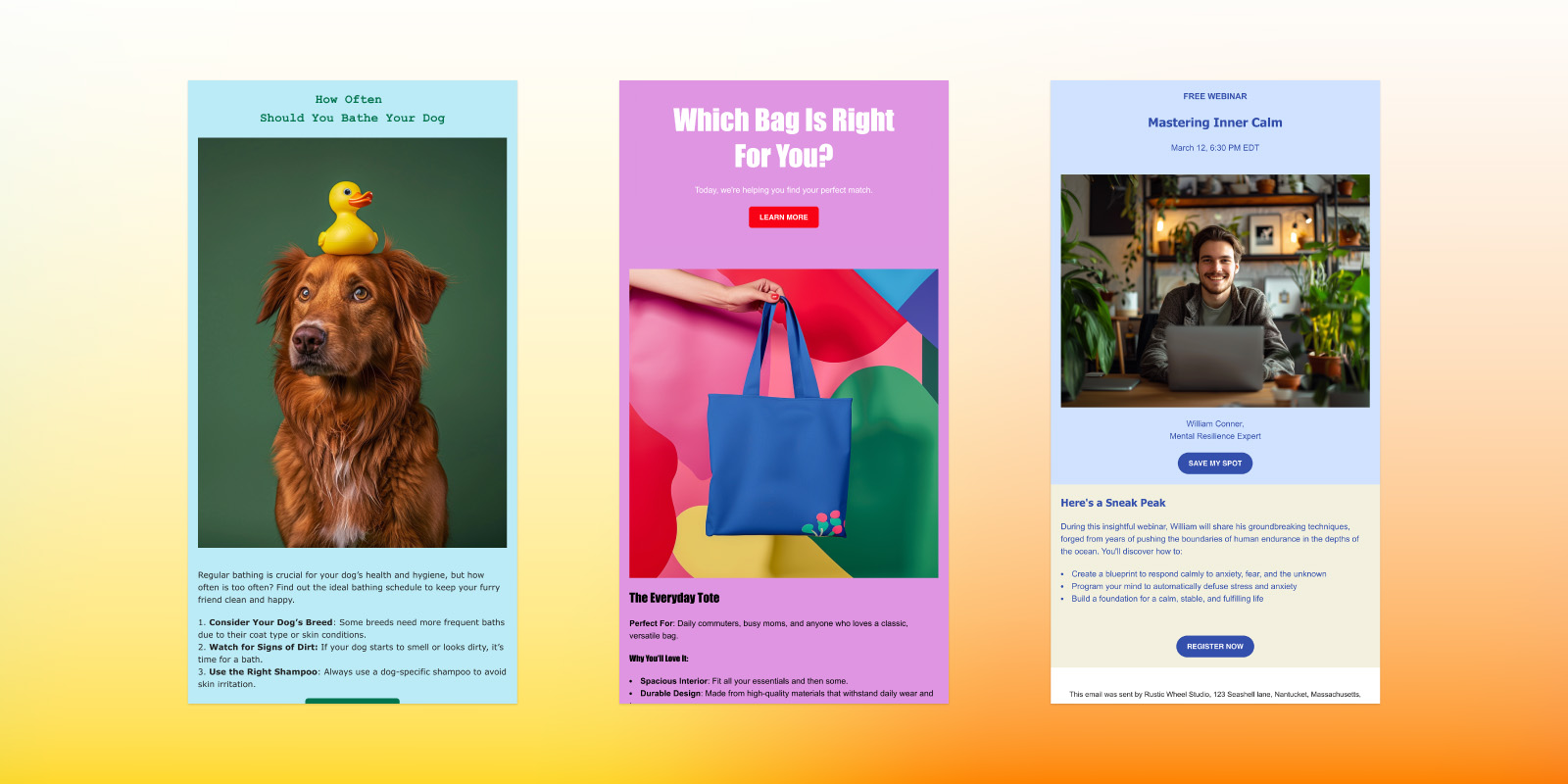
Our templates are perfect for presenting new blog posts, articles, or updates, helping you engage your audience and drive traffic to your website.
Email Templates to Promote Products with Tips and Tricks
Enhance your product promotions by sharing useful tips and tricks. These templates allow you to provide practical advice and how-tos related to your products, demonstrating their value and encouraging purchases.
Email Templates to Share Expertise on Key Topics
Position yourself as an expert by sharing handy insights on relevant topics. Our templates help you present engaging content that educates your audience and builds your credibility in the industry.
Travel Email Templates to Showcase Your Journeys
Take your audience along on your journeys by sharing travel experiences and stories. These templates are ideal for creating captivating travel logs, highlighting destinations, and inspiring your audience with your adventures.
New Email Marketing Features and Updates
We’re excited to share some new enhancements alongside our latest email templates, designed to streamline your email creation process and help you grow your email list more efficiently. Here’s what we’ve added:
Change the Color of Your Footer
Customization is key, and now you can change the color of your email footer just like any other element in your email. This update allows you to maintain brand consistency and create visually appealing emails. If you missed our update, check out this video tutorial on how to fully customize your email campaign colors.
Added Shortcuts for Efficiency
To boost your speed and efficiency, we’ve introduced new keyboard shortcuts. These shortcuts streamline your email creation process, saving you time and making it easier to format and link content quickly, thereby enhancing your overall productivity.
Seamless Integrations for Lead Generation
Our email marketing platform now integrates seamlessly with top WordPress lead generation plugins, making it easier than ever to capture and nurture leads. Plus, we’re continuously expanding this list. Currently, the compatible plugins include:
There’s never been a better time to enhance your email marketing strategy. Our free promotional and newsletter templates are your gateway to crafting compelling, effective, and visually stunning emails that resonate with your audience in no time. Whether you’re aiming to drive sales, inform your readers, or build a community, our templates are designed to deliver results.
Special Offer: Get 80% Off SiteGround Email Marketing
Sign up today and enjoy our limited-time offer, giving you everything you need to craft engaging emails that drive results.
Meet Guillermo from Oasis Real Estate, a real estate agency based in California. Guillermo’s journey with email marketing began much like any other – searching for the right tool to connect with customers, promote events, and grow his contact list. For Oasis Real Estate, the search for an effective communication strategy led them to SiteGround’s Email Marketing Tool – a decision that not only streamlined their email marketing processes but also boosted their email performance by an impressive 30%.
The Challenge of Complex Email Marketing Platforms
Before discovering SiteGround, Oasis Real Estate, like many other small businesses, navigated through a labyrinth of email marketing platforms. Each promised results but often at the cost of complexity and hidden headaches. That’s when SiteGround’s email marketing tool came into play, a breath of fresh air in a market cluttered with over-complicated platforms. It promised ease of use without compromising on the powerful features necessary for running successful email marketing campaigns. What he appreciates most about our tool is the straightforward, no-extra features approach that can disrupt the workflow, stating, “SiteGround Email Marketing has been the best so far,” valuing our tool’s focus on what’s essential for his business.
Why Email Marketing?
For Guillermo, email marketing is the lifeline for nurturing client loyalty and generating new leads. He and his team found that emails with promotions and events are particularly effective for growing their customer base. It’s their way of delivering value that keeps clients coming back for more.
Key Features That Deliver Results
Since adopting the SiteGround Email Marketing tool, Oasis Real Estate has enjoyed a suite of features that have made all the difference:
Templates: The option to save your emails as templates allowed for quick and easy campaign creation, saving precious time and resources.
At-a-Glance Analytics: The current analytics provide essential insights that inform better decision-making.
Effortless Scheduling: The ability to schedule campaigns in advance ensured that messages reached clients at the optimal time.
Easy Lead Generation
Oasis Real Estate were able to easily grow their contact list with the help of SiteGround’s Lead Generation plugin. Guillermo expressed his satisfaction with the sign-up forms, stating that they are now present on all of their pages. This means that they no longer have to spend extra time synchronizing leads manually, as the plugin handles it automatically. This simple process has saved them valuable time and made lead generation a lot easier.
Real Results
How real? A 30% increase in open and click-through rates, translating to better engagement and more successful campaigns – since switching to SiteGround Email Marketing. That’s the kind of improvement that turns email marketing from a chore into a winning strategy.
Guillermo found that the SiteGround Email Marketing tool’s streamlined approach saved time across the board. From creating campaigns to managing contacts, every aspect of email marketing became more efficient, freeing up the team to focus on other critical areas of their business.
So, if you’re looking for a hassle-free email marketing solution you might want to give SiteGround Email Marketing a chance – it’s free for the first 30 days! Who knows? You might just be the next success story!
SiteGround Email Marketing tool keeps getting better and better! This month alone, we launched several exciting new features that make it even easier to collect leads, create emails and send campaigns, and get results!
Integration with Elementor Pro and Contact Form 7 plugins
Our main mission is to help you collect and turn website visitors into paying customers using email marketing. That is why we created a Lead generation plugin for WordPress that makes it easy to add subscription forms to your site. Plus, we are proactively building integrations with other popular WordPress lead generation plugins that will automatically add new leads to your SiteGround Email Marketing tool, and have more options to grow your list.
Our latest integrations serve the users of Elementor Pro forms and Contact Form 7. If you have any of these plugins installed on your website, you need to add and activate SiteGround’s Lead generation plugin, which will start doing its magic and automatically populate your leads from Elementor Pro or Contact Form 7 into the Email Marketing tool.
Use any domain to send emails with our tool
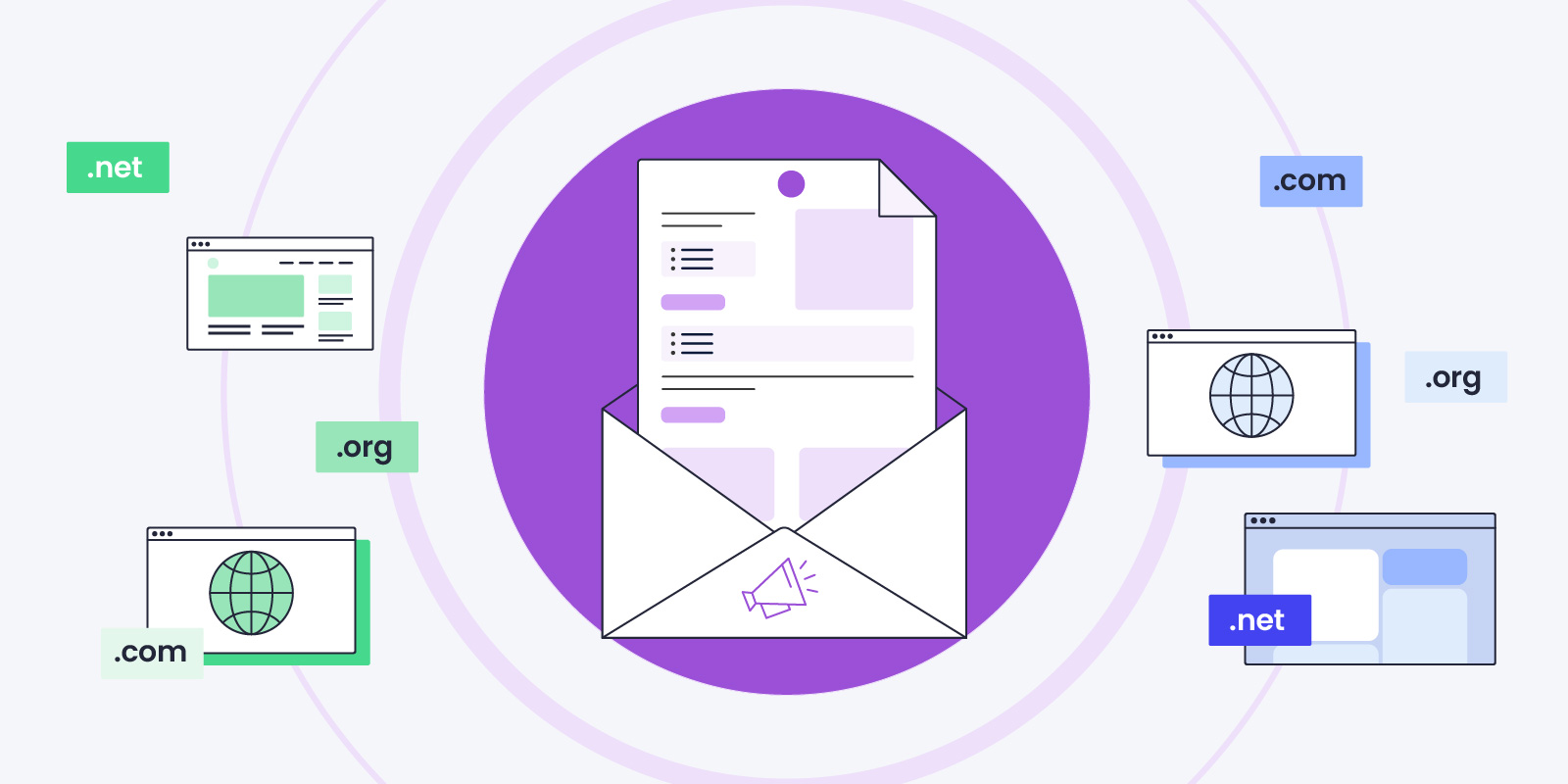
You can now send email campaigns through our Email Marketing tool using any domain, even for websites not hosted by us. This means you can add SiteGround Email Marketing to all your sites, regardless of where they are hosted. This new feature extends our services to a broader range of domains, offering you more flexibility and options to grow your marketing efforts.
Free AI-generated image gallery
The success of your emails equally depends on your copy and your images. While email copy writing is already really easy with our integrated AI writing assistant, getting fancy images for your emails has been a wild card. Many users would either shop stock photos or hire photographers to create custom looks for their campaigns. Pretty costly and time-consuming. That is why we are now excited to introduce our free AI-generated image gallery – with tons of images across topics and styles, it allows you to build engaging emails easily, quickly, and at no extra cost!
Save your custom email templates
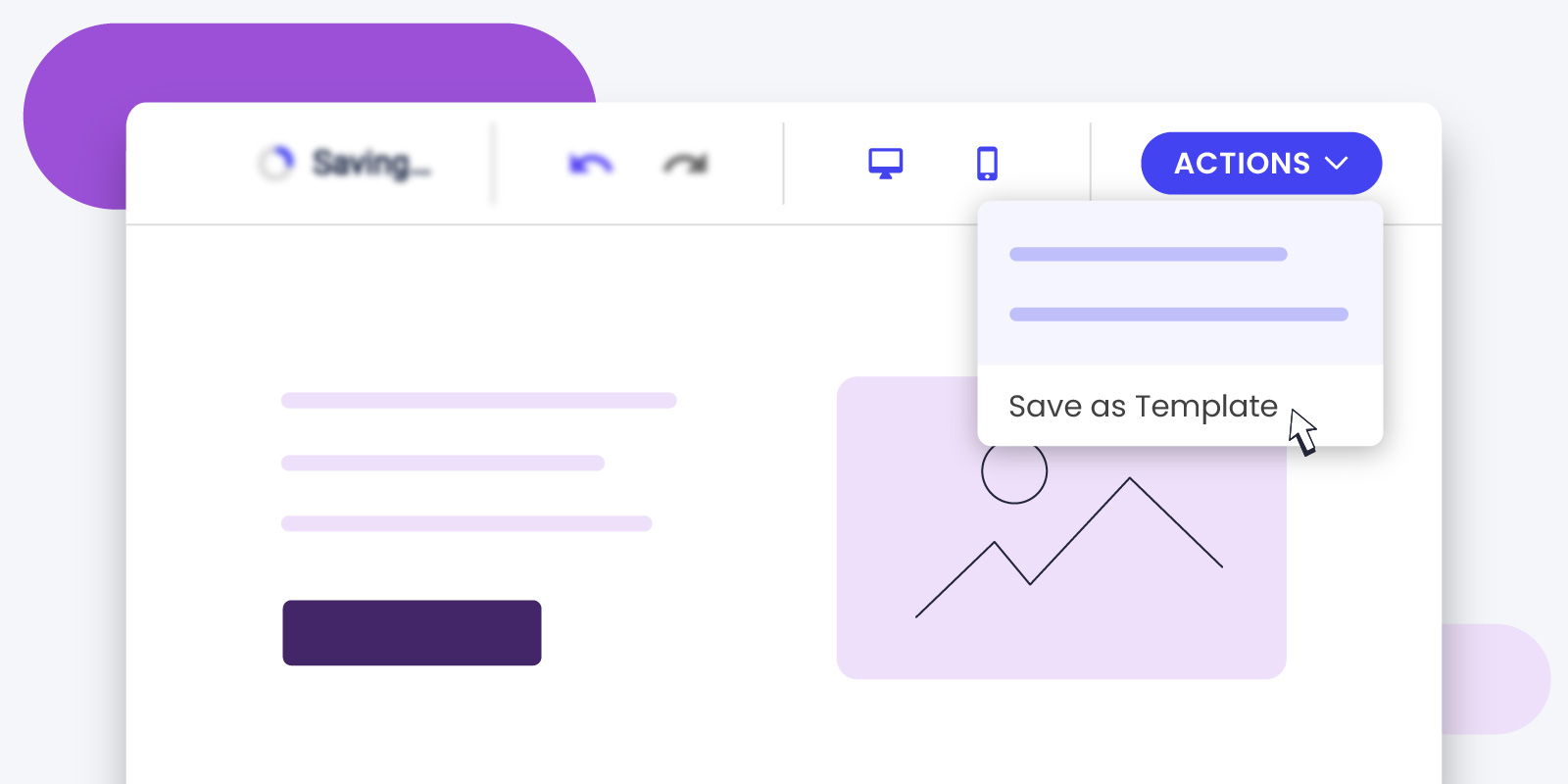
By popular demand, SiteGround Email Marketing users can now save custom templates. Imagine you create an email design you love. Now, you can save it and use it again whenever you want. This means you don’t have to start from scratch every time you send an email, and your emails will look consistently awesome!
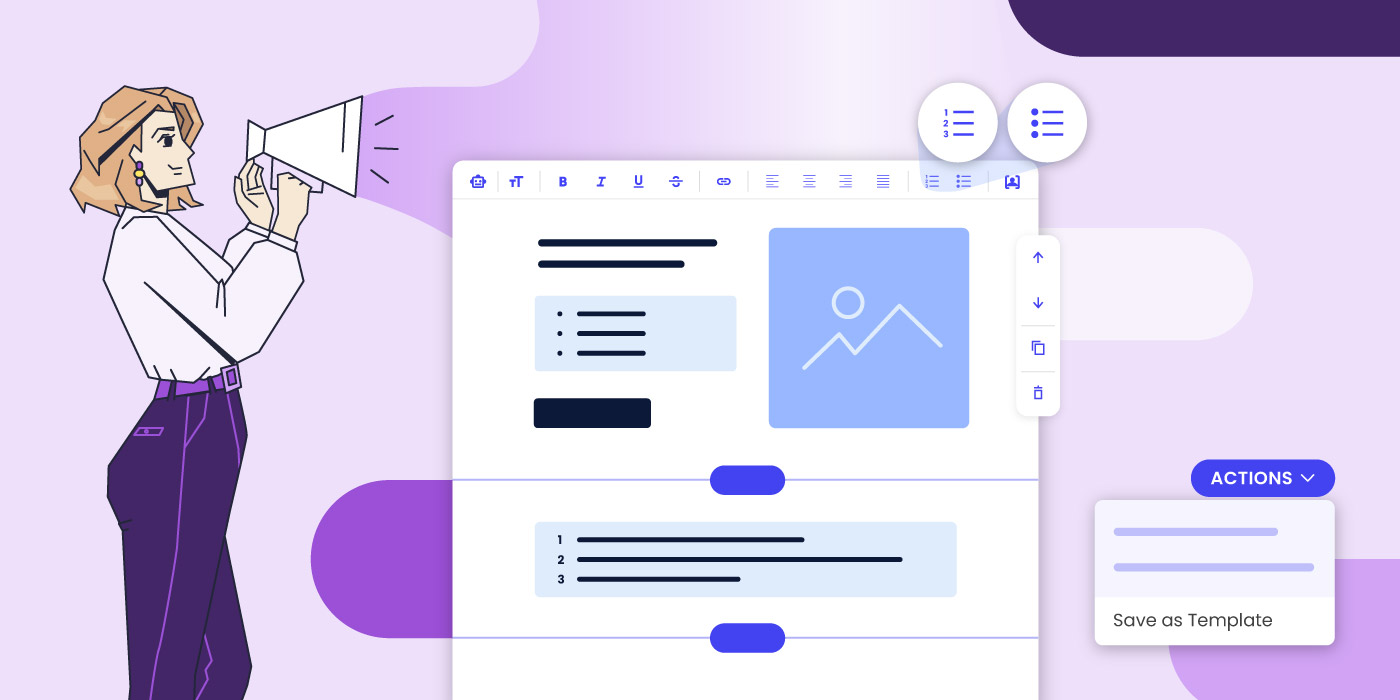
Add bullet points and numbered lists
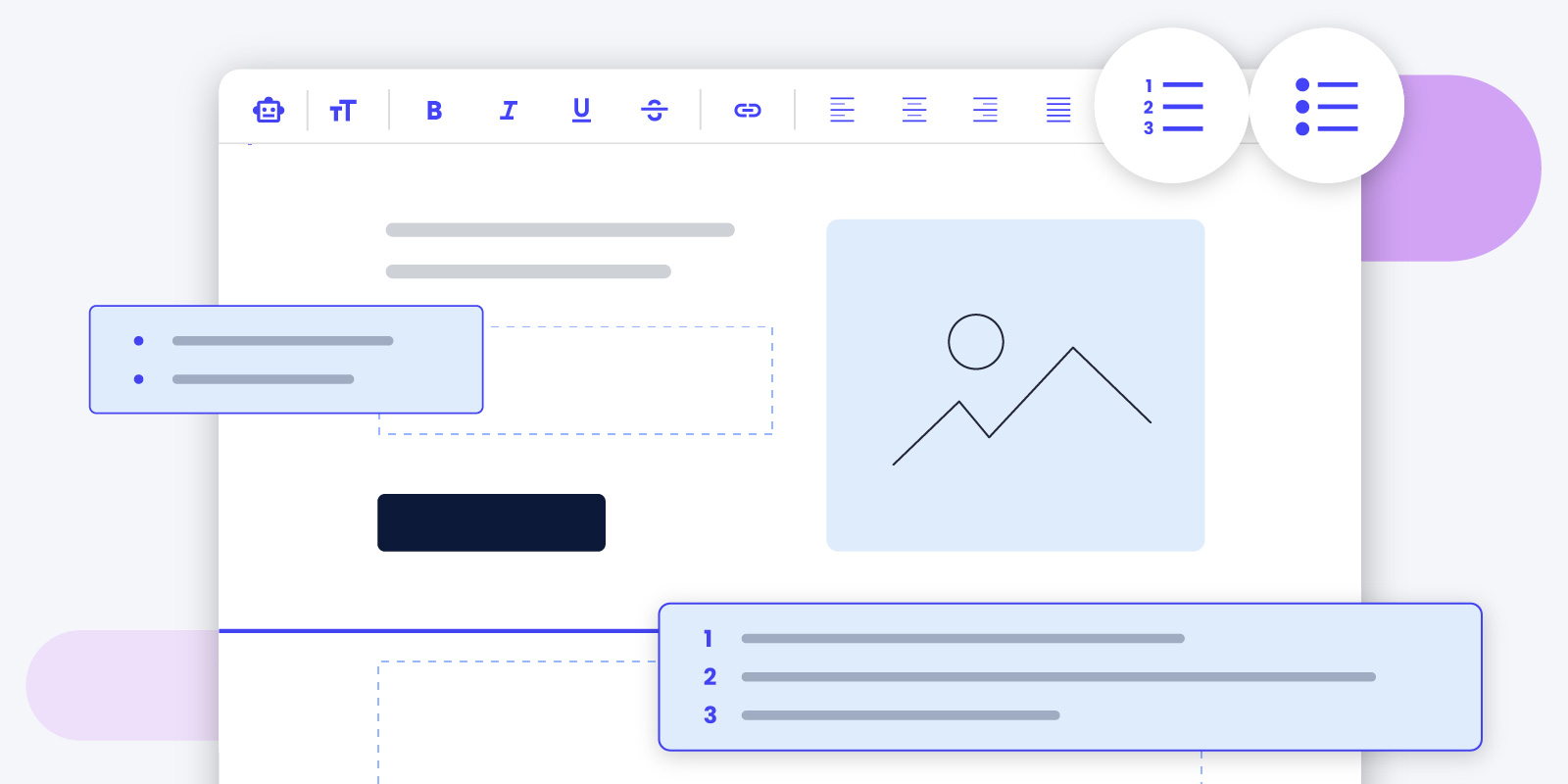
You can now use bullets and numbered lists to organize and structure your content in a more easily readable format. Bulleted and numbered lists break down information into manageable chunks, making your emails easier to skim and understand, which is very important considering the attention span we people have nowadays. And it also highlights key points, increasing the likelihood of your audience taking the desired action. This feature is designed to improve user experience and engagement, ultimately boosting your email’s success.
The shopping season is upon us, and screens worldwide are about to start glittering with attractive deals. But here’s the burning question: How does your business break through the clutter and make those sales?
Well, email marketing is your powerful ally and here at SiteGround you have the perfect tool to capture its potential. Designed for ease, our tool ensures even beginners can create and deliver professional emails that drive results. Even more, right on time for Black Friday, we are launching fresh-out-of-the oven features – from special, pre-made Black Friday and Cyber Monday email templates and an AI email writer to smart scheduling options and a sprinkle of playful emojis.
Black Friday & Cyber Monday Email Templates That Help You Sell
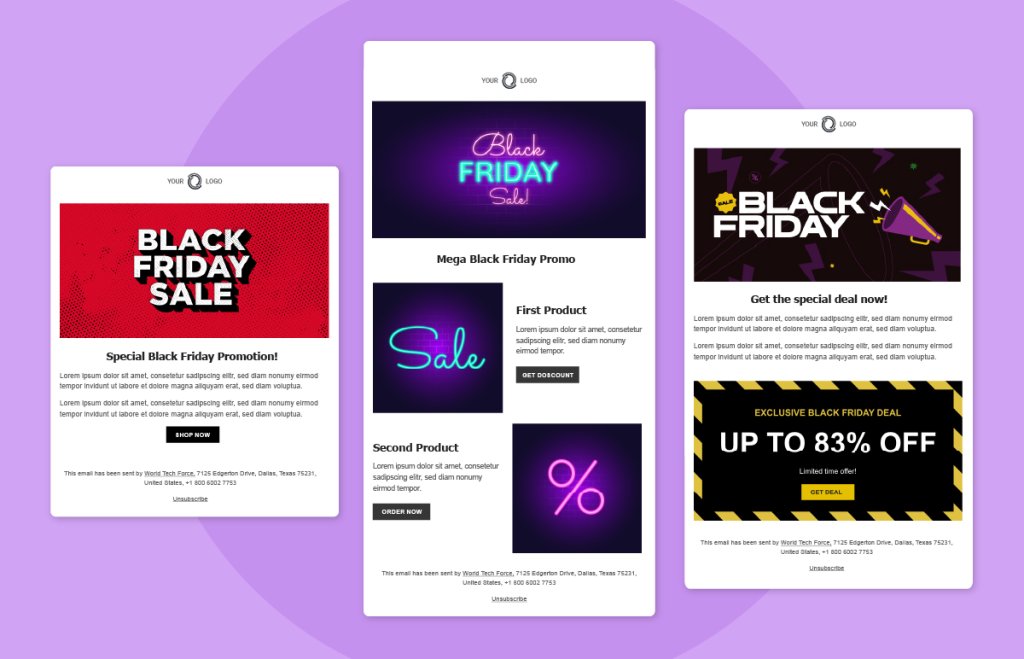
Black Friday and Cyber Monday are fast approaching! And with so many preparations to do in so little time, your email marketing could be up for a challenge. But don’t worry, we’ve got you! To make sure your email campaigns are a success, we’ve made a set of pre-designed templates, which empower you to launch impactful email campaigns with just a few clicks. Dive in, make a few finishing touches and send away with ease.
AI Email Assistant That Writes For You 🤖
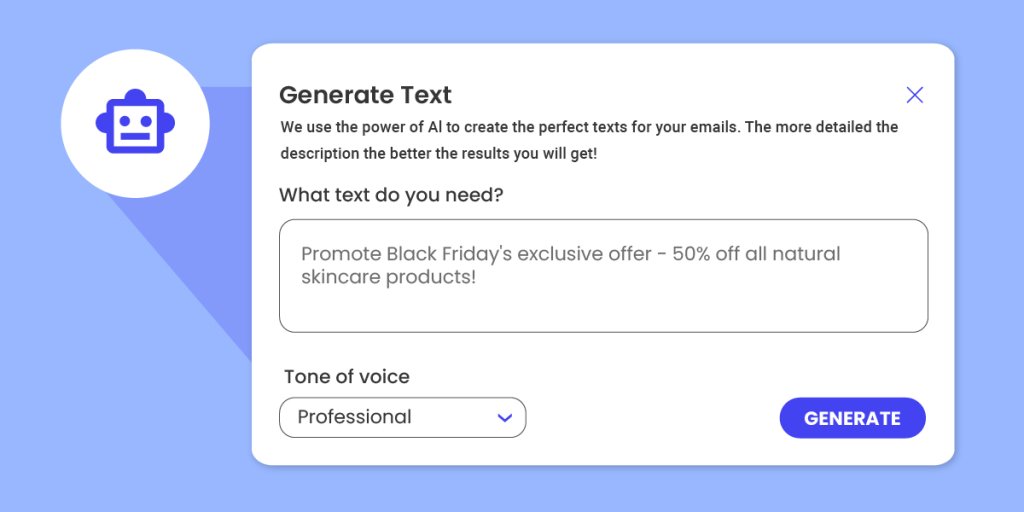
Have you ever sat down to write an email and found that the words just won’t come? We’ve been there, staring at the black screen, the clock ticking away. But here’s the good news. With our powerful AI email writing assistant, those frustrating moments are a thing of the past. Just share a bit about what you want to say, set the mood, and watch the AI email writer craft the perfect message for you.
Scheduling Emails To Reach Your Audience At The Perfect Time ⏰
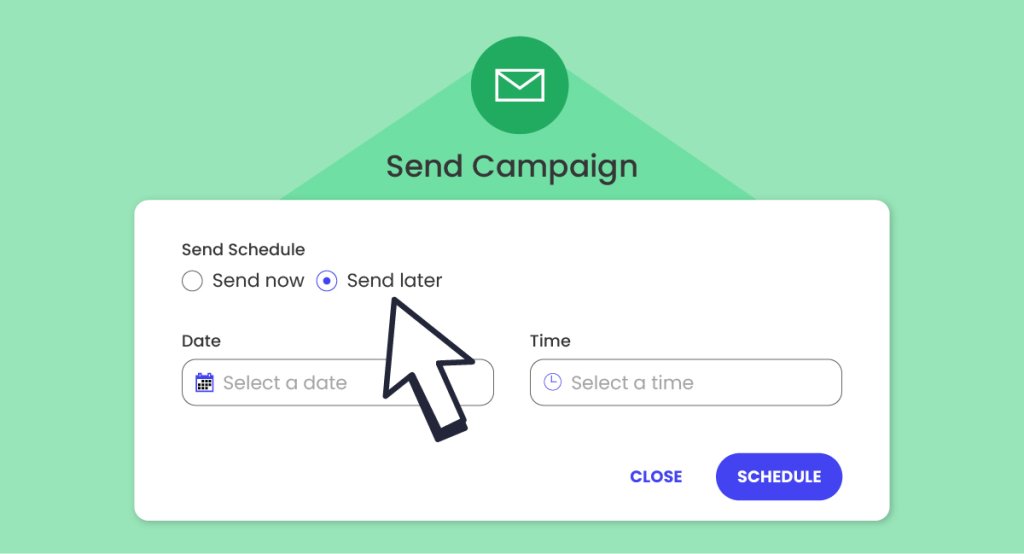
In the world of email marketing, timing can be the difference between engagement and being overlooked. That’s why we’re thrilled to introduce our new scheduling feature. Now, you can plan your email campaigns in advance, having the freedom of sending them whenever you want and ensuring they reach your audience at the perfect time. Whether you’re targeting early birds or night owls, different time zones or else, this feature ensures your emails land in the inboxes at just the right time.
Supporting Emojis, Supporting Your Freedom of Expression 😍
In the digital age, emojis are the new universal language. And guess what? SiteGround’s email tool is now fluent in it! We now support emojis, allowing you to add a bit more character and flair to your emails. Whether it’s a smiley face to brighten someone’s day or a thumbs up for a job well done, let your emails speak louder and more expressively.
We can’t wait to see how these new features transform your email campaigns and business results! As always, our mission is to make your online journey as delightful as possible, and we’re here to support you every step of the way.
Just in time for Black Friday, let’s see how effortlessly you can launch promotional emails or newsletters with our SiteGround Email Marketing tool – no marketing expertise required.
We hosted an insightful live webinar with our Innovations Director, Hristo Pandjarov, alongside Kiril Tsankov, the Lead Product Manager for our Email Marketing tool who showcased the simplicity of our tool, but also shared best practices for email marketing that are designed to help your campaign’s success.
If you did not have a chance to attend, or you simply want to rewatch the session, you can now catch up with the recording of our Email Marketing live webinar on YouTube.
We also got a great deal of interesting questions, so we summarized the most popular ones, as well the ones that we didn’t have enough time to answer during the live webinar in the blog post below.
Integration and Compatibility
Is there a plugin for WordPress that people can sign up with and automatically be added to email groups?
We have designed a Lead Generation Plugin for WordPress specifically for our Email Marketing tool that allows users to easily create sign-up forms and automatically add people to email groups. Clients using the Email Marketing tool can download the plugin from the interface and it will soon be available in the wordpress.org/plugins repo. This streamlines the process of growing your email list and ensures that your audience segments are organized from the outset.
Can we use the email feature while having a Google Workspace with the same domain?
Yes, you can use our Email Marketing tool while having a Google Workspace with the same domain. The DNS change required for the setup of both products is completely different and there is absolutely no conflict in using the two products simultaneously.
Is this service only compatible with WordPress websites?
SiteGround’s Еmail Мarketing tool is not limited to WordPress websites. It offers flexibility and can be integrated with any type of website, providing a robust solution for your email marketing needs regardless of the platform you use. Do bear in mind however, that our contact generation plugin is currently only available for WordPress websites.
List Management and Segmentation
Can this service handle an email list of 20,000 or more?
Our tool is capable of managing large email lists, including those with 20,000 and up to 50,000 contacts. This scalability ensures that as your business grows, your email marketing efforts can expand accordingly.
Can you segment lists with tags?
Yes you can! In SiteGround Email Marketings “tags” are called “Groups” and offer a simple, yet effective way of segmenting your audience. Using Groups, you can separate your contact list based on different demographics or interests and engage your subscribers with more personalized communication. A common example of this is creating one group for your Leads and another for Existing Customers. Using this approach, you can offer ongoing subscription benefits to your existing customers, while advertising a first-time sign-up incentive for your leads.
Email Design
Can we customize and add our brand logo?
Yes, you can customize and add your brand logo to the emails sent through SiteGround’s Email Marketing tool. This ensures that your emails are not only visually appealing but also reflect your brand identity, building trust and recognition among your recipients.
To customize your brand logo, all you need to do is go to the Email Marketing > Sender Details page and scroll down to the Brand Identity section and upload your logo. Bear in mind it’s a good idea to upload a high-resolution logo, so it does not appear pixelated on high-resolution devices. Even if you need to upload a larger image, fret not, as we will resize it appropriately to make sure it looks great in your campaigns. You can find all the extra details about what size logo to use in our knowledge base – here.
What if we have different styles for different groups; can we configure different template styles?
Not yet, but it will be available in the next few months.
We know how tempting it can be to experiment with different designs targeting different segments and we are working to give you the flexibility to do so. However, we have to emphasize that for brand awareness purposes, it is better and quite important to adopt a single style of sending emails. That way you keep reinforcing the same brand visuals and your users get used to recognizing your brand.
To achieve such a single style, users can conveniently tick the box “Apply this design to future campaigns” when sending an email, to ensure future campaigns are consistent with the chosen design.
Email Campaigns
Is this only for Black Friday campaigns?
No, SiteGround’s email marketing tool is not limited to Black Friday campaigns or other seasonal promotions. You can utilize this powerful tool for any project, be it announcing new product launches, sharing valuable content, or nurturing customer relationships throughout the year. We have focused our communication on the Black Friday topic since this is a prime time for email marketing campaigns, for which we have added special thematic layouts in the tool.
User Experience and Accessibility
Can we add alt tags to the images?
With SiteGround’s Email Marketing tool, you can easily add alternative text (alt tags) to images in your emails. Alt tags not only ensure that visually impaired recipients can understand the content of your emails but also improve your email deliverability and search engine optimization (SEO) efforts.
Is there an option to “Unsubscribe” from these emails when clients desire to do so?
Yes, there is an unsubscribe link which is automatically added to every email you send through the tool, which recipients can use to unsubscribe from your list. Respecting your recipients’ preferences is crucial for maintaining a positive brand image and complying with email marketing regulations.Therefore, once a recipient has opted out of your mailing list, we will automatically exclude them from your future mailing attempts. Recipients can subscribe again to your email list by using a form on your website. Additionally, provided a recipient has consented to re-join your mailing list, you can send them a double opt-in Re-subscribe email through the system.
Whether you have a small personal or portfolio site, an eCommerce store, or are just starting up a small business website, there is one thing that can effectively boost your online presence at every stage – email marketing.
To help you get started and grow your email marketing efforts, right on time for the upcoming holiday season, we organized an #SMBGrowthChat on Twitter Spaces along with Alessandra Farabegoli (@alebegoli), Digital Agency Owner & Email Marketing Expert, and Emanuel Cinca (@emanuelcinca), Marketer, Entrepreneur, Creator of Stacked Marketer. If you missed the live event, we’ve got you covered. Here are their expert tips on how to build and grow your email list, choose the right email marketing solution, optimize your email campaigns, and other key elements for your emails’ success.
Is email marketing right for you
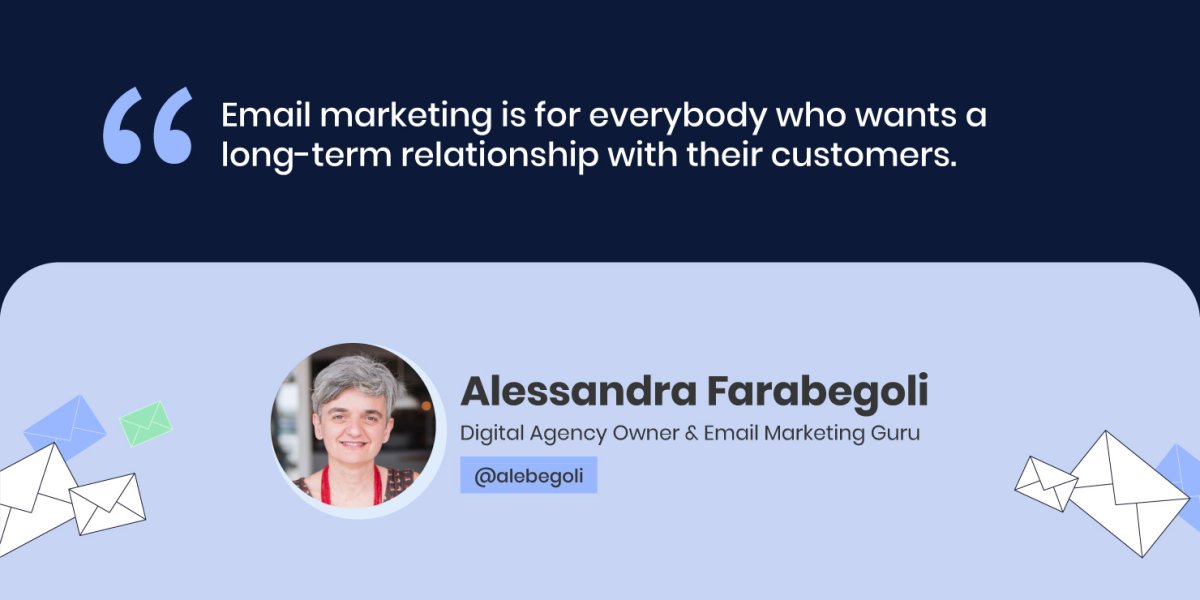
Contrary to popular belief, email marketing is not only for companies with huge budgets, “Email marketing is for everybody who wants a long-term relationship with their customers,” Alessandra Farabegoli, Digital Agency Owner & Email Marketing Expert, points out.
Email marketing is your direct communication channel with your audience that helps you grow, engage, nurture and eventually convert the people interested in your company – whether you’re a blogger, an artist, an NGO, a b2b company, or an event organizer.
“Depending on what resources you have and what strengths you already have within your marketing team, maybe email marketing is not the first thing that you think about doing, but in the long-term, it’s for everyone,” says Emanuel Cinca, Marketer, Entrepreneur, Creator of Stacked Marketer.
Before sending any email marketing campaigns, you need to start gathering subscribers to reach out to. To effectively grow your email list, the main thing you need to do is know your ideal subscriber.
“Know the people who want to join your list, because you have to know where to look for them, how to advertise your list (maybe on social networks), where the people you want to join your list are,” Alessandra Farabegoli advises.
Once you know your audience well, your next step is trying to understand what will trigger them – what kind of interesting and relevant content or reward to offer to these people who are thinking of joining your list. Build your promise around that and tell it effectively – explain what they’ll get, if they join your list.
It’s then crucial to deliver on your promise – “make sure that whatever you promise in any lead magnet or any reason you give people to sign up, the content you deliver, or the information, the products continue to be within that sphere,” Emanuel Cinca points out. For example, if you get people to subscribe to your list through a lead magnet on how to create social media campaigns, but then you deliver content around SEO, that might not be a good idea, adds Emanuel Cinca.
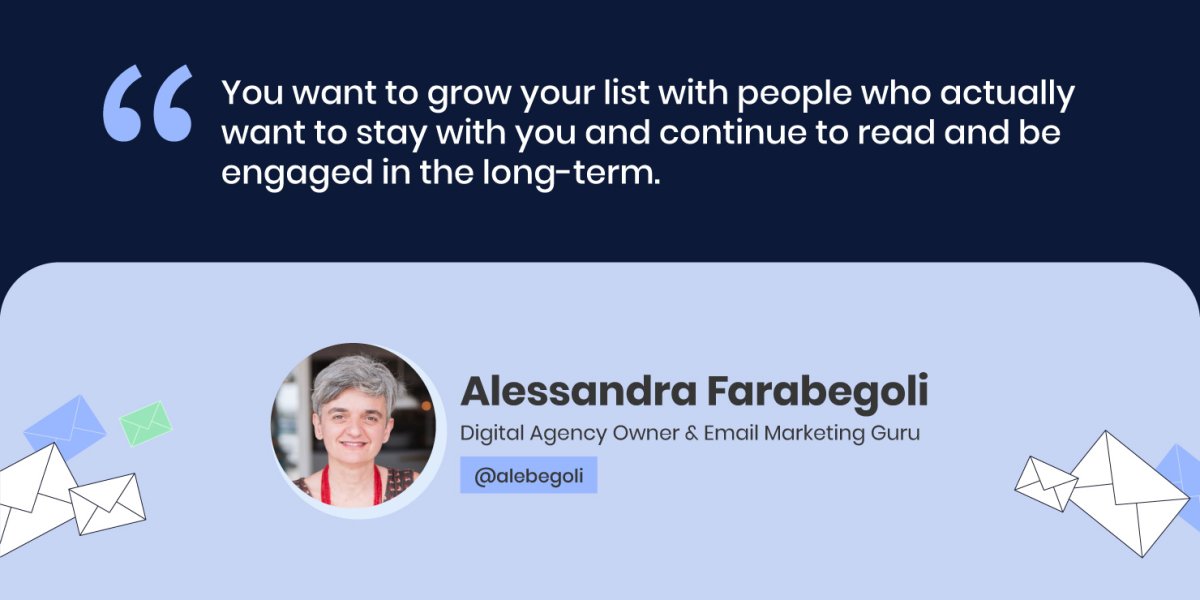
At the end of the day, it’s not the numbers, it’s the quality of your audience, as Alessandra Farabegoli notes. “You want to grow your list with people who actually want to stay with you and continue to read and be engaged in the long-term,” she adds.
If you’re wondering where to find these high-quality readers of your future email campaigns, Emanuel Cinca advises to look for other email lists for people who are already engaged with different newsletters, because in general, newsletter readers read other newsletters. Alessandra Farabegoli adds that guest posts and guest newsletters are also a great way to make you known by other newsletter readers.
If you’re a SiteGround client, using our Email Marketing tool, you can easily add a subscribers form on your website and start building your email list with our Lead Generation plugin for WordPress. It’s a great opportunity to create a lasting relationship with your site visitors, nurture them and turn them into loyal customers.
To collect email subscribers easily and efficiently, it’s crucial to choose the right email marketing solution.
Choose the right email marketing solution
Choosing an email marketing solution that best fits your goals will actually depend on your business needs.
For example, if you’re doing an eCommerce project, you “need automation features that allow creating automated workflows, such as an abandoned cart, or complex welcome series that can segment people and differentiate messages,” Alessandra Farabegoli says.
On the other hand, if you’re doing a newsletter, look at newsletter-focused features – you need to have highly-customizable templates that are easy-to-use, good team member permission to have different roles for different team members (to add and do reports, view and send newsletters), Emanuel Cinca advises. He adds that it’s also important to have an integration with WordPress or any other solution you use. Other crucial features include the view of the email editor, the ability to segment subscribers and send relevant messages to the right people, Alessandra Farabegoli points out.
At SiteGround, we understand that ease of use is key. That’s why our Email Marketing tool is user-friendly and integrated into the SiteGround Client Area, allowing seamless management of your website and email campaigns in the same place. You can choose from our highly-converting layouts, customize them to suit your brand and send your campaign in a matter of minutes.
Top strategies for sending email marketing campaigns
Now that you’ve built your email list with subscribers, you have to start communicating with them directly via email. Here are our experts’ top tips for sending successful email marketing campaigns:
Types of email campaigns you need to send
Our experts are of the opinion that the most important campaign is the welcome email or the welcome series emails, because when a subscriber enters your list, it’s the peak of interest moment. Alessandra Farabegoli advises you to build upon this interest still with the first emails that will make people think it was worth subscribing to your newsletter, as you’re sending them interesting content.
According to Emanuel Cinca, another important type of email you should have is the re-engagement email to clean up your list. If someone disengages after a long period of time (period is based on the emails they’ve received, not on time), send them a re-engagement email. If they still don’t engage with you, he advises you to consider segmenting or unsubscribing them, so that they do not receive as many emails as everyone else. Otherwise, this might hurt your email reputation.
Alessandra Farabegoli points out that if you’re selling online, there are then some more types of emails you need to send, such as post-purchase emails, abandoned carts, winback flows, etc. which you can set up in order to nurture your customers, have them use your products better, and maybe cross-sell and upsell.
An important thing to keep in mind, though, is that you must have a plan, Alessandra adds. This goes to say that you need to create an email calendar with the topics you want to build on and their schedule. “Find a regular schedule to send emails, because consistency is key. Your newsletter must be an appointment. People should know – today, this newsletter is coming and I want to read it,” Alessandra notes.
How often should you reach out to your subscribers
Indeed, it’s important to have an “appointment” with your readers and send them emails regularly. Yet, how often should you reach out to them so that they don’t consider you spammy?
Our experts agree that there’s no one size fits all. The timing will depend on your subscribers’ list, their reading habits, their expectations, what content you send and the purpose of your email. However, there are some general factors to consider when sending emails:
What defines the right moment to press “send”?
Nowadays, everybody checks their email every day – from when they get up until night, but what’s the right moment, when they’re ready to read your message, when they will be interested to read about the topic, or consider buying your product, Alessandra Farabegoli asks. The simple answer is that it depends on your message.
For example, if you’re sending a news email, you can send it in the morning, when most people are reading the news. If you’re sending a sales email and you want the reader to make a right-away purchase decision, mornings are not the best time to do so. For instance, sending an email about planning a trip would perform best outside working hours.
In Emanuel Cinca’s experience with a Monday to Friday newsletter that includes marketing news and the latest case studies, Monday to Thursday still gets the same engagement, because they’re providing readers with information related to the subscribers’ jobs, they are reading it as part of their work routine.
As Alessandra Farabegoli points out, you need to avoid busy times of the week, e.g. Monday mornings are generally not the best moment to send b2b campaigns, but there’s an exception to this rule – for example, welcome emails or post-purchase emails should be sent immediately.
Segment and personalize your email campaigns
Once you’ve identified when to hit the “send” button, you might also want to segment and personalize your email campaigns before sending them out, for better performance and results. Our experts give valuable advice on both the eCommerce and non-eCommerce side of things:
eCommerce projects
“If you work on an eCommerce project, the most obvious segmentation is between people who are already customers and people who are not,” Alessandra Farabegoli says. She explains that there are two main factors to keep in mind – engagement and source.
Engagement is key for eCommerce projects and you need to clean your list regularly – avoid putting people that are less engaged, even though they are customers. You can still write them for sales, Black Friday, special offers, or new product launches, but you need to lower the frequency of sending emails, so that they don’t mark you as spam or unsubscribe from your list.
The source is also very important, according to Alessandra Farabegoli – “if you realize that people, who come from a lead acquisition campaign, don’t buy anything in the end, you may reconsider if this campaign is the right place to advertise,” she says.
Newsletter publishers
Emanuel Cinca gives insight on the non-eCommerce side – for newsletter publishers, you can have segmentation by frequency (when they want emails to be delivered) and activity (re-engagement of subscribers on a regular basis). You can also segment based on the source where people came from – not necessarily to personalize for them, but to know how things are working: ROI generating, readership status, sales numbers, etc., he explains. One more way of segmentation is interests, as Alessandra Farabegoli adds. “Ask people what they are interested in, or use the interest from where they clicked on,” she points out.
With the Email Marketing tool, SiteGround clients can target specific audience groups and add a personal touch with dynamic content variables, such as the first name of the recipient, etc. Our system also automatically suppresses hard bounce email addresses to keep email lists healthy and improve open rates and reputation.
Best practices for optimizing your email campaigns
After sending your email campaign, you’d need to make sure that your deliverability and open rates are as high as possible. Our experts have some valuable advice on how to achieve that, what other key metrics to track, and how to optimize your email campaigns for even better results.
Ensure higher email deliverability rates
According to Alessandra Farabegoli, the main factor is your sender reputation. “To ensure you reach the inbox, keep your promises and send relevant content. The main thing is how you keep the relationship with your subscribers, so that they continue to think your emails are worth opening, clicking and reading,” she explains.
Emanuel Cinca also points out some other important algorithms behind email deliverability. Generally, if you follow the rules of most service providers, you’ll usually not go into the spam folder, unless you’re truly spammy. However, your email can go to the Promotions tab, where less people will engage with it. Emanuel Cinca has a fix for this issue: “The best thing to do is get high engagement on your very early emails, e.g. try to get replies on your welcome email – offer a bonus lead magnet in exchange for replies,” he advises. If you get that high engagement early on, it’ll help your emails go to Updates or the Primary inbox, which means that people get a notification when you send them an email. What’s more, the inbox will be the default one for the new subscribers to begin with, unless they start to become disengaged,” Emanuel Cinca explains.
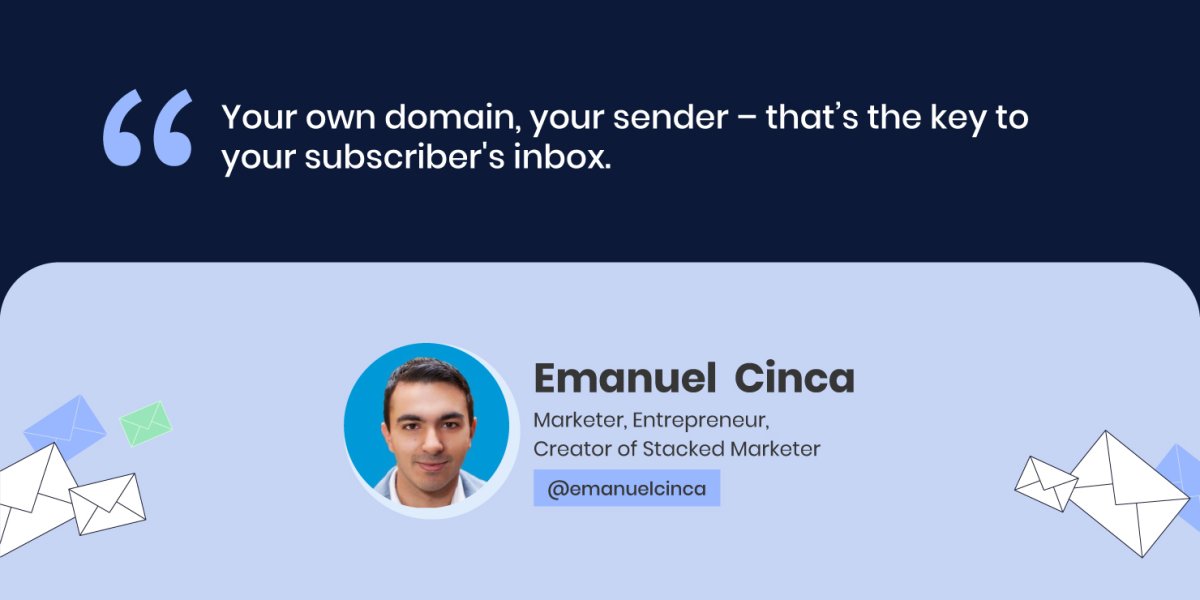
Another factor that matters significantly is the sender itself. “Your own domain, your sender – that’s the key to your subscribers’ inbox,” Emanuel Cinca points out. However, he adds that some email service providers don’t let you completely set up all authentication, SPF, etc. through them, and then you cannot add your custom domain which is essentially the key to the inbox.
Again, it comes to your choice of email marketing tool. At SiteGround, we take care of the technical side of your campaign sending to make sure your emails hit your audience’s inbox. We have one-time domain authentication that boosts the odds of sending your emails right in your audience’s inbox. The more emails that get delivered, the better your reputation gets.
Make sure your users open your emails
Now that your email has landed in your subscribers’ inbox, what would make them open and read that email? According to Alessandra Farabegoli, here are the top 3 factors that would make people open an email:
Sender’s reputation
“The sender is the first thing we’re checking when browsing through new emails – if this person or company is regularly writing interesting content, then I can give them my attention,” Alessandra Farabegoli says. If not so, people tend to skip, archive or even delete, without reading.
Subject line
Next, you need to write engaging subject lines, because the subject line is the first thing they’ll read. Emanuel Cinca’s experience shows that all their newsletters regularly have very short subject lines, literally 1 to 3 words, which are slight teasers of what is inside.
Preheader text
The preheader text is right next to the subject line and it’s important as it helps readers see what they will find inside. According to Alessandra Farabegoli, the preheader can even be left blank, because in this way your email will stand out, with a bit of space around it.
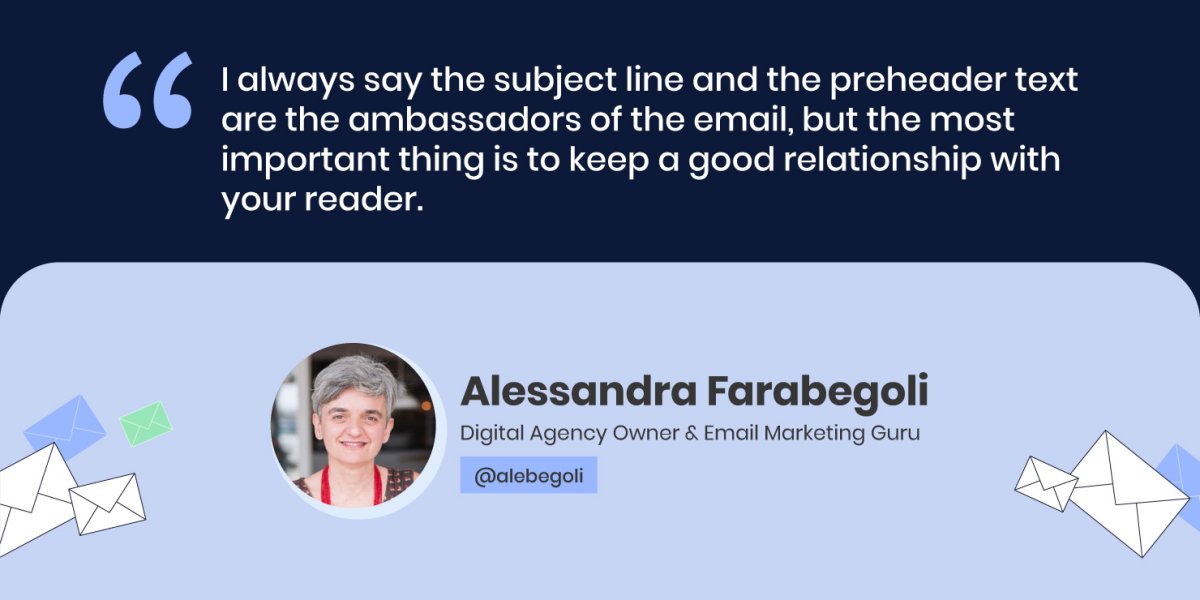
“I always say the subject line and the preheader text are the ambassadors of the email, but the most important thing is to keep a good relationship with your reader,” Alessandra Farabegoli concludes.
Track key metrics to measure your email campaign success
The key metrics that you need to track are those that are important for your business, such as sales or conversions – a download of a document, an actual purchase and others. Then, you need to check “what builds these sales – is it clicks from the website, is it opens, how many subscribers you have,” Emanuel Cinca explains.
However, Emanuel Cinca warns that nowadays “you should be careful about considering open rate as a very important metric – it’s relevant, but you need to have context behind it, because Apple mail privacy protection, for example, opens 100% of your emails over time”.
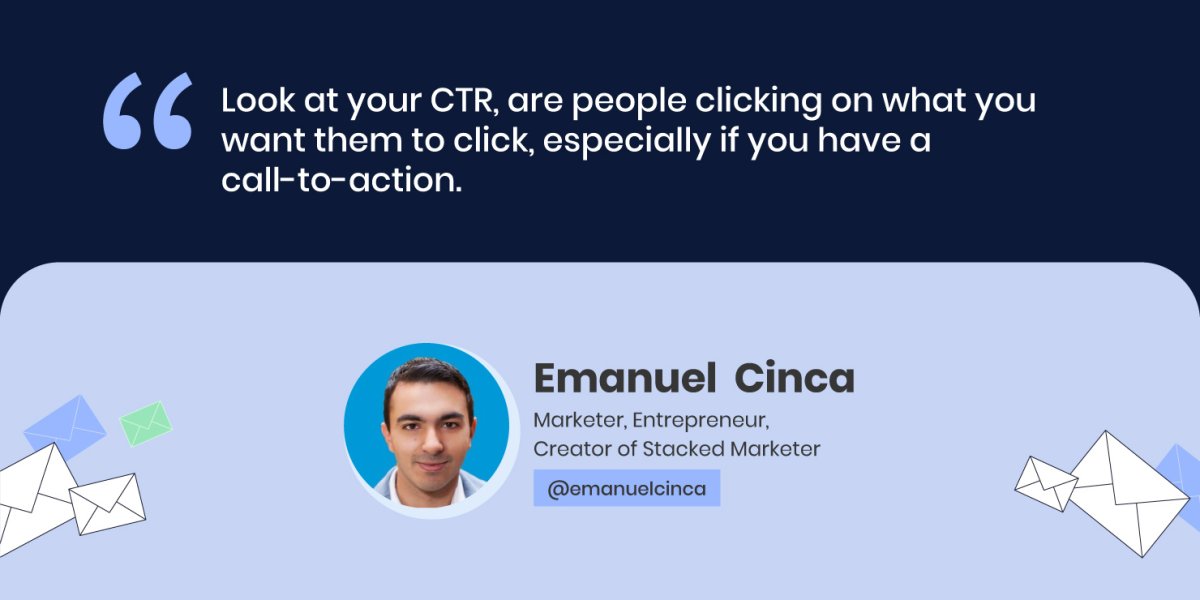
Both our experts agree that nowadays click-to-open rate (CTR) is really important, because it shows if you’ve built the right call-to-action (CTA) – if people who opened your email, decided to take it a step further, Alessandra Farabegoli explains. “Look at your CTR, are people clicking on what you want them to click, especially if you have a call to action,” Emanuel Cinca concludes.
Perform A/B tests to optimize campaigns and improve results
In case you’re not happy with the performance of your email campaigns, there’s a way to improve the results by performing tests of different email elements.
The first thing to consider, before performing any tests, is your list’s length. Alessandra Farabegoli points out that you need numbers to get relevant and statistically significant results. “You need at least maybe 20K subscribers to get a decent result from an A/B test on subject line, or sender, or timing, for example. If you want to test some content element, such as the CTA, you need at least 10 times that number,” she explains.
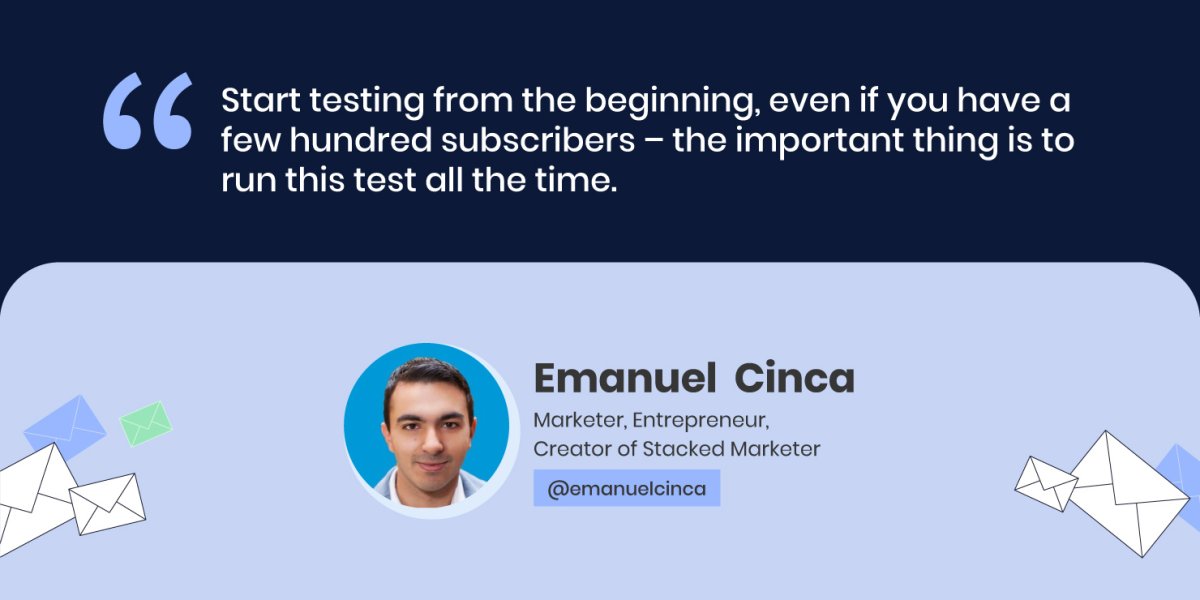
Emanuel Cinca agrees that if you send a newsletter one time and you have 1000 subscribers, A/B testing the subject line for them for that one time, won’t yield any results. Yet, he has a workaround, if you don’t have the volume now – you can A/B test your welcome sequence and subject line, if you have such automations or sequences. Start testing from the beginning, even if you have a few hundred subscribers – the important thing is to run this test all the time. Then, after 6 months, you might reach a statistically significant result.
To improve the content you send, you need to receive feedback from your actual readers, Emanuel Cinca advises. One thing you can test is your content structure, he adds – somewhat longer articles, bullet points, etc., split up your content as much as you can. Emanuel Cinca gives a bonus tip, in case you cannot A/B test directly and get the data– to run a survey to your audience.
Our experts agree that email marketing is a powerful tool that everyone can leverage, not only big business owners. Follow their professional tips in this article to make the most of your email marketing campaigns.
Check our YouTube recording to hear the whole Twitter chat conversation and follow us on Twitter for more news and discussions on useful topics.
Crafting a successful online presence is an on-going process. From curating engaging content to showcasing your standout products or services, you’ve done it all. But despite all your efforts to engage users on your website, do you still find visitors leaving without taking any action? It’s time to transform those missed opportunities into meaningful connections.
At SiteGround, we totally get the ups and downs of building an online presence. So, here’s some good news: we’ve just improved our SiteGround Email Marketing tool with the new Lead Generation Plugin for WordPress. We crafted an easy way to encourage visitors to engage, subscribe to your email list, and become part of your brand’s journey. Even if you’re new to email marketing, we’re here to sprinkle a bit of magic on your journey.
Build your email list and generate high-quality leads with SiteGround
Lead generation is about connecting with real people who genuinely vibe with what you offer. Your website? That’s where you can find high-quality leads. And, with SiteGround’s new lead generation plugin and email marketing tool, you can attract them with sign-up forms, nurture your leads and clients, and ultimately, increase conversions.
Easy plugin setup and integration
If you’re new to building an email list, don’t worry! Just download and activate our new lead generation plugin for WordPress. Easily connect the plugin with your SiteGround email marketing account, so anyone who signs up will automatically land in your contacts as a “Subscriber”.
Create a form in minutes
Easily create your sign-up form and greet your new subscribers with a “successful subscription” message. Plus, you can assign Groups for each form you make for precise audience segmentation. This ensures that the right message always reaches the right person.
Add a form on your site with ease
SiteGround makes it easy to embed a form on your website, allowing you to connect with users and grow your mailing list. Once you create your form, we’ll provide a handy shortcode for you to place wherever you like on your website. Alternatively, you can seamlessly integrate the form using WordPress Blocks within your WordPress editor – just search for our plugin and pop it in.
Built to match your brand
Whether you use Gutenberg or Elementor for your website, our forms seamlessly adapt to your website’s style, ensuring a consistent brand look. Plus, you can tweak fonts and colors to suit your taste perfectly within your WordPress editor.
More ways to engage
Our plugin seamlessly integrates a sign-up checkbox into your WooCommerce checkout and standard WordPress forms. This gives visitors various and convenient ways to hop onto your mailing list.
Why embed a form on your website?
Putting a form on your website is a smart move. Here’s why:
Build your email list
Collecting email addresses to build your mailing list is the starting point for any email marketing campaign. It allows you to nurture relationships, share updates, and promote special offers directly to those who have shown interest in your brand.
Engage your audience
Adding a form to your website creates an opportunity for visitors to connect with your brand. This establishes a direct line of communication and helps engage your audience, turning casual visitors into loyal customers.
Market your brand with easy email marketing
Build and grow your email list with our new lead generation plugin for WordPress and start sending the right message to the right audience with our intuitive SiteGround Email Marketing tool. Craft compelling campaigns to engage your audience and drive growth, creating a full brand experience.
Ready to boost your email marketing? If you’re a SiteGround client, simply log into your Client Area -> Marketplace -> Email marketing. Once you’ve added the service, you can easily find and download our lead generation plugin in the SiteGround Email Marketing Dashboard under Contacts -> Connect WP Site.